Terminal
You can start a terminal session from the Cinnamon menu, Apps menu, or via hotkey Super + Enter. This launches a beautiful and powerful Alacritty terminal window that includes:
- CaskaydiaMono Nerd Font
- Zsh shell with Oh My Zsh, which comes with OhMyDebn and is updated with it (so
omz updateisn't needed). Your own Oh My Zsh plugins and themes go in~/.oh-my-zsh/custom/pluginsand~/.oh-my-zsh/custom/themes. - Starship shell prompt, which starts with the OhMyDebn grin
- Zoxide for
z, a smartercdthat jumps to directories you've used before - eza for beautiful directory listings via
lsandlt
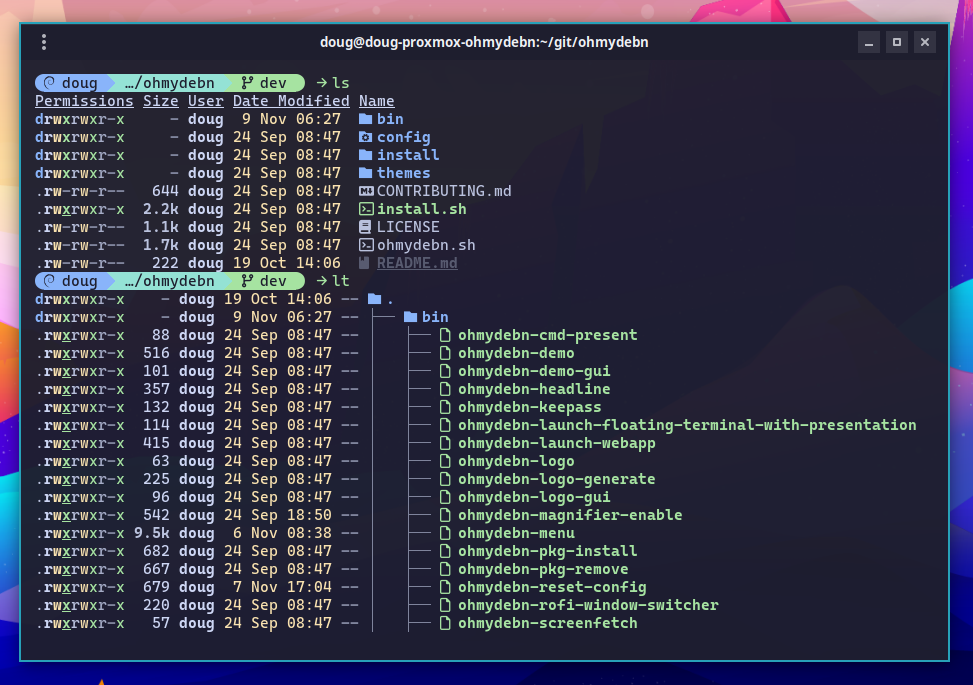
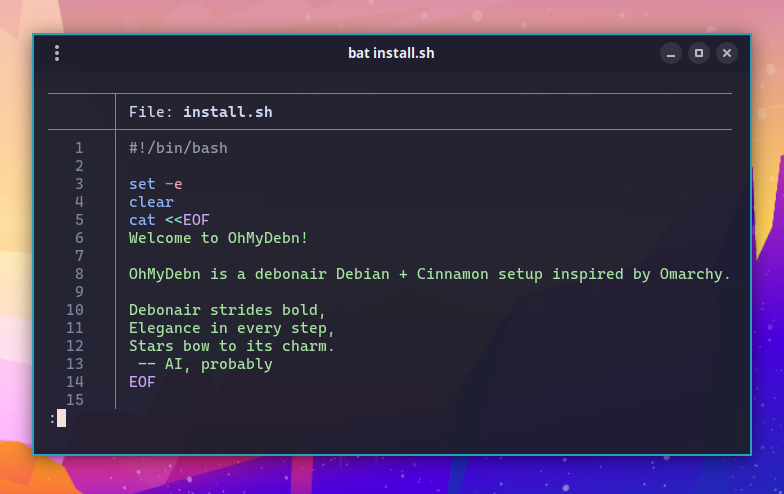
It also includes bat, which is a cat clone with syntax highlighting and git integration.
A few more terminal-focused tools are available from the OhMyDebn menu's Apps > Terminals section.
tmux
tmux is available as an optional installation. You can install it from the OhMyDebn menu (Apps > Terminals) or hotkey Super + Alt + Return. That hotkey checks to see if it's installed first, so even on a new installation you can just press Super + Alt + Return and it will install and then attach to a persistent session named main - closing and reopening the terminal returns you to where you left off.
PowerShell
Microsoft PowerShell is available as an optional installation. You can install it from the OhMyDebn menu (Apps > Terminals) or hotkey Ctrl + Alt + P.
herdr
herdr is a terminal workspace for AI coding agents (Claude Code, Codex, OpenCode, and others). It runs their terminals in a background server, so an agent keeps working when you close the terminal or lose your SSH connection, and you can reattach to check on it. To keep agents working while your own computer is off or asleep, run herdr on a server and connect to it. It's available as an optional installation. You can install it from the OhMyDebn menu (Apps > Terminals) or hotkey Ctrl + Super + Return. That hotkey checks to see if it's installed first, so even on a new installation you can just press Ctrl + Super + Return and it will install and then run.
herdr updates come from the OhMyDebn repository whenever you update OhMyDebn, so OhMyDebn turns off herdr's own check for new versions by setting version_check = false under [update] in ~/.config/herdr/config.toml. It does this once and leaves a version_check you set yourself alone.