Desktop Themes
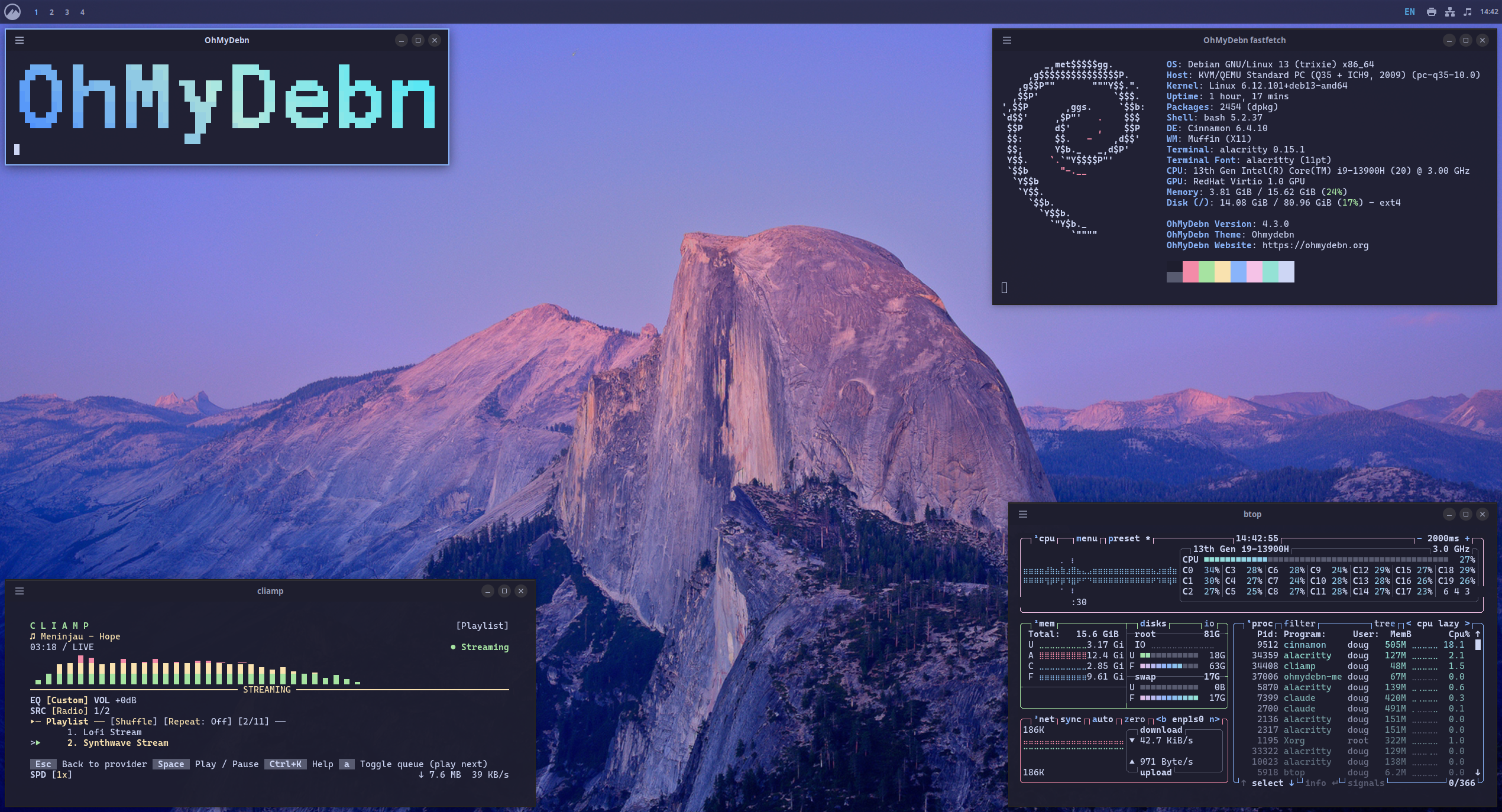
Default Theme
The default OhMyDebn theme is based on a modified Catppuccin Mocha theme.
Theme Carousel
You can browse and change your theme by going to the OhMyDebn menu and selecting Style > Theme, or via hotkey Ctrl + Super + T (or Ctrl + Super + B, which opens the same carousel).
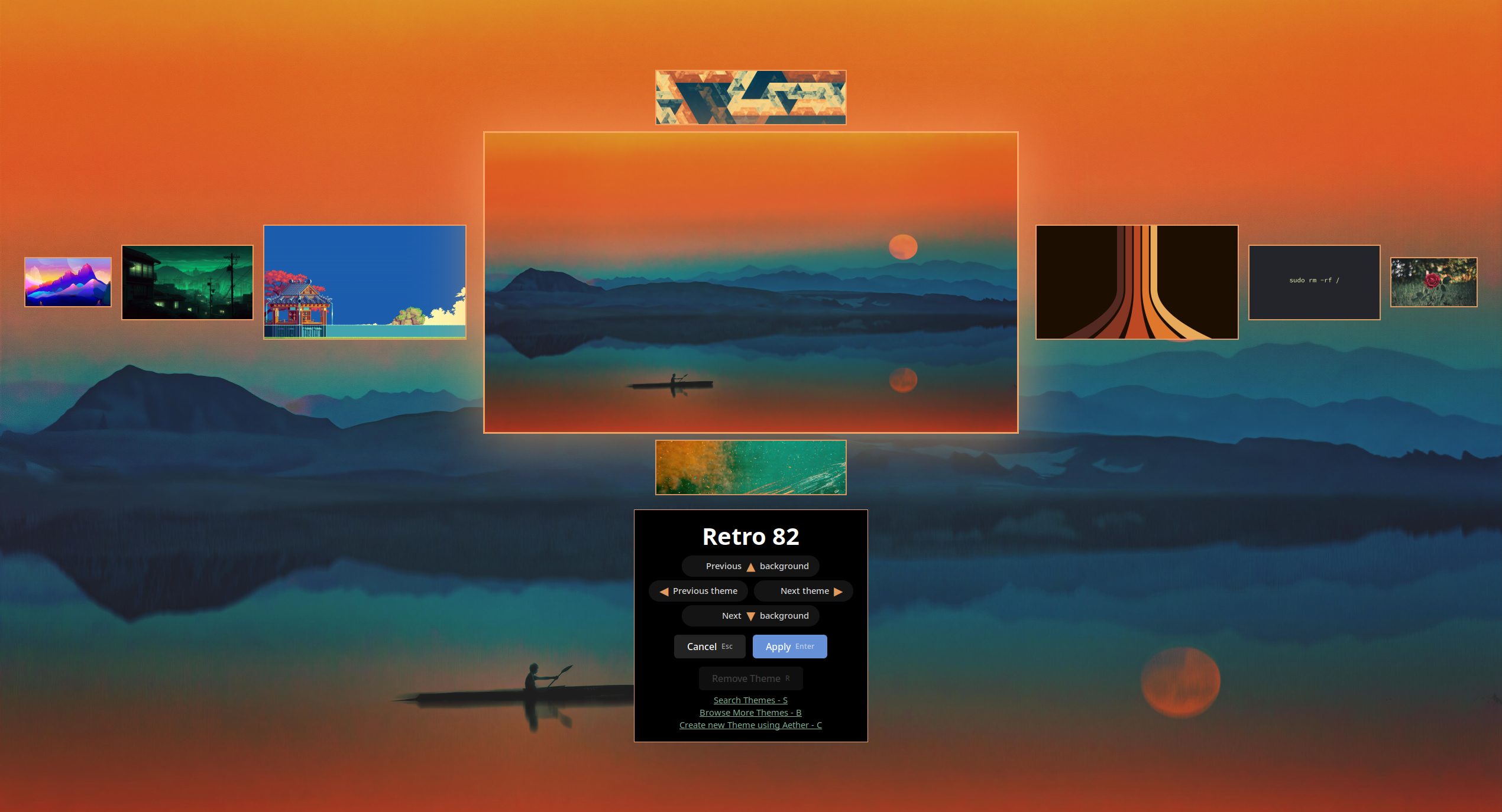
This opens a full-screen theme and background browser on whichever monitor your mouse pointer is on:
Left/Rightbrowse your installed themes.Up/Downbrowse the backgrounds included with the theme currently shown, when it has more than one.Enterapplies the theme and background currently shown.Esccancels without changing anything.Sopens a search box; type to jump the carousel straight to the first matching theme.Bopens the Omarchy Themes gallery in your browser to browse for more themes. Picking one there installs and applies it automatically. Since applying a theme this way is triggered from a link, OhMyDebn always shows a confirmation dialog first with the theme's source before applying it.Claunches Aether so you can build your own theme. You can also launch Aether directly using the hotkeyCtrl + Shift + Aand use it to search for wallpaper and extract colors to build a desktop theme.Rremoves the theme currently shown (only available for themes you've installed yourself, not the themes bundled with OhMyDebn). Press it again to confirm.
OhMyDebn also automatically picks a matching icon color based on each theme's accent color, so icons stay legible on custom and Aether-generated themes, not just the themes bundled with OhMyDebn.
Themes Included from Omarchy
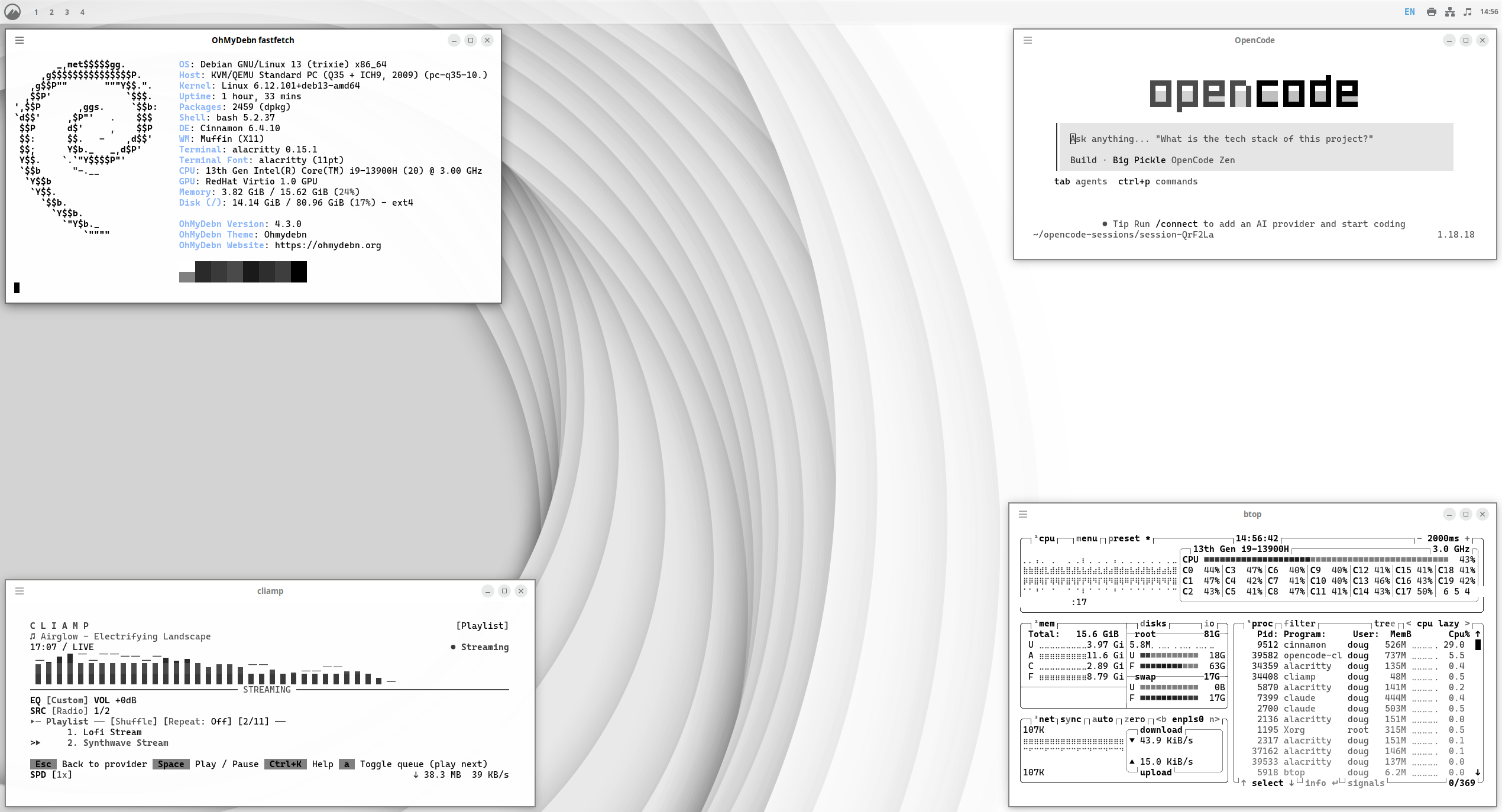
Here are some screenshots of the themes included from Omarchy.
Catppuccin
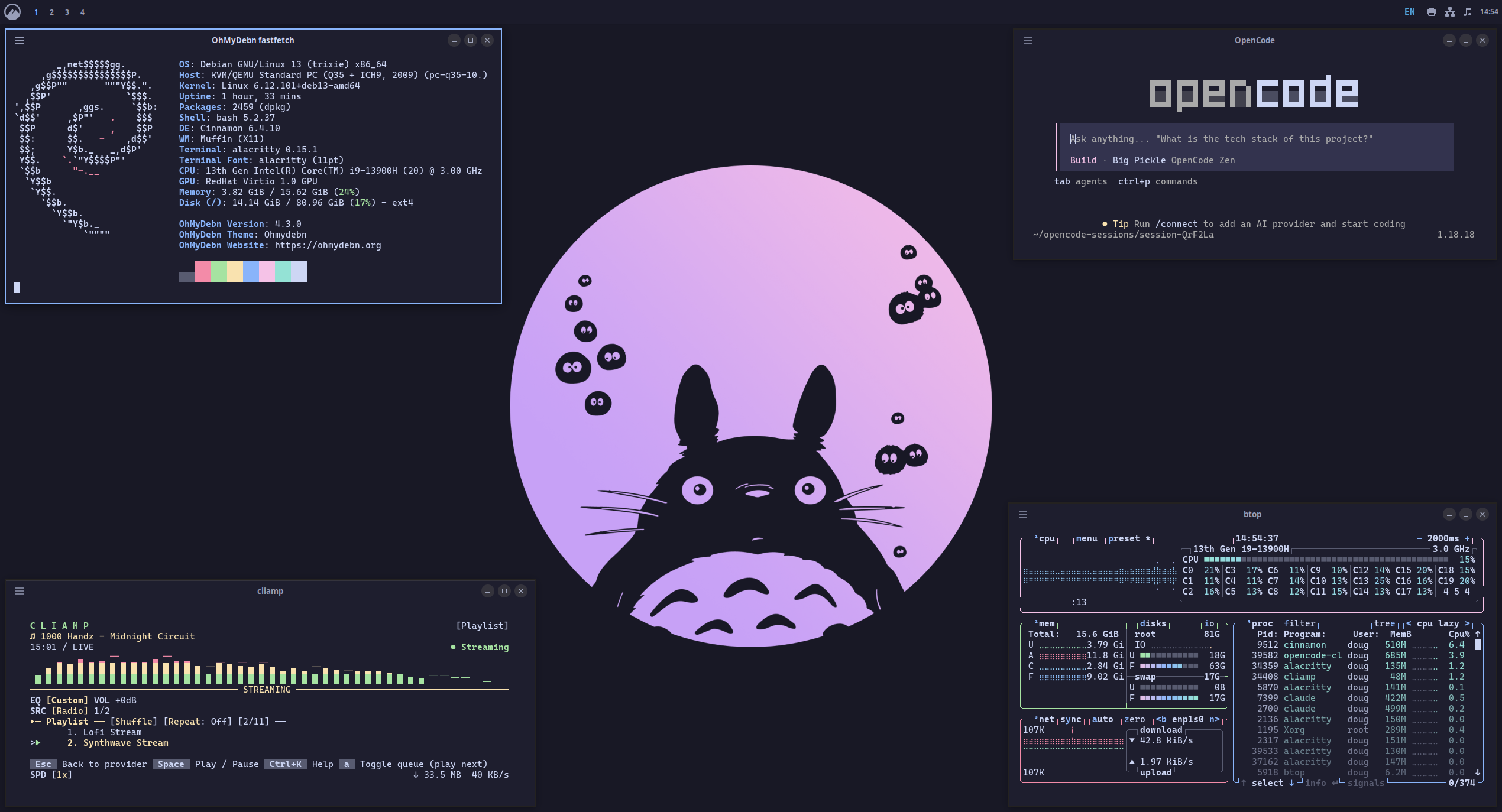
Catppuccin Latte
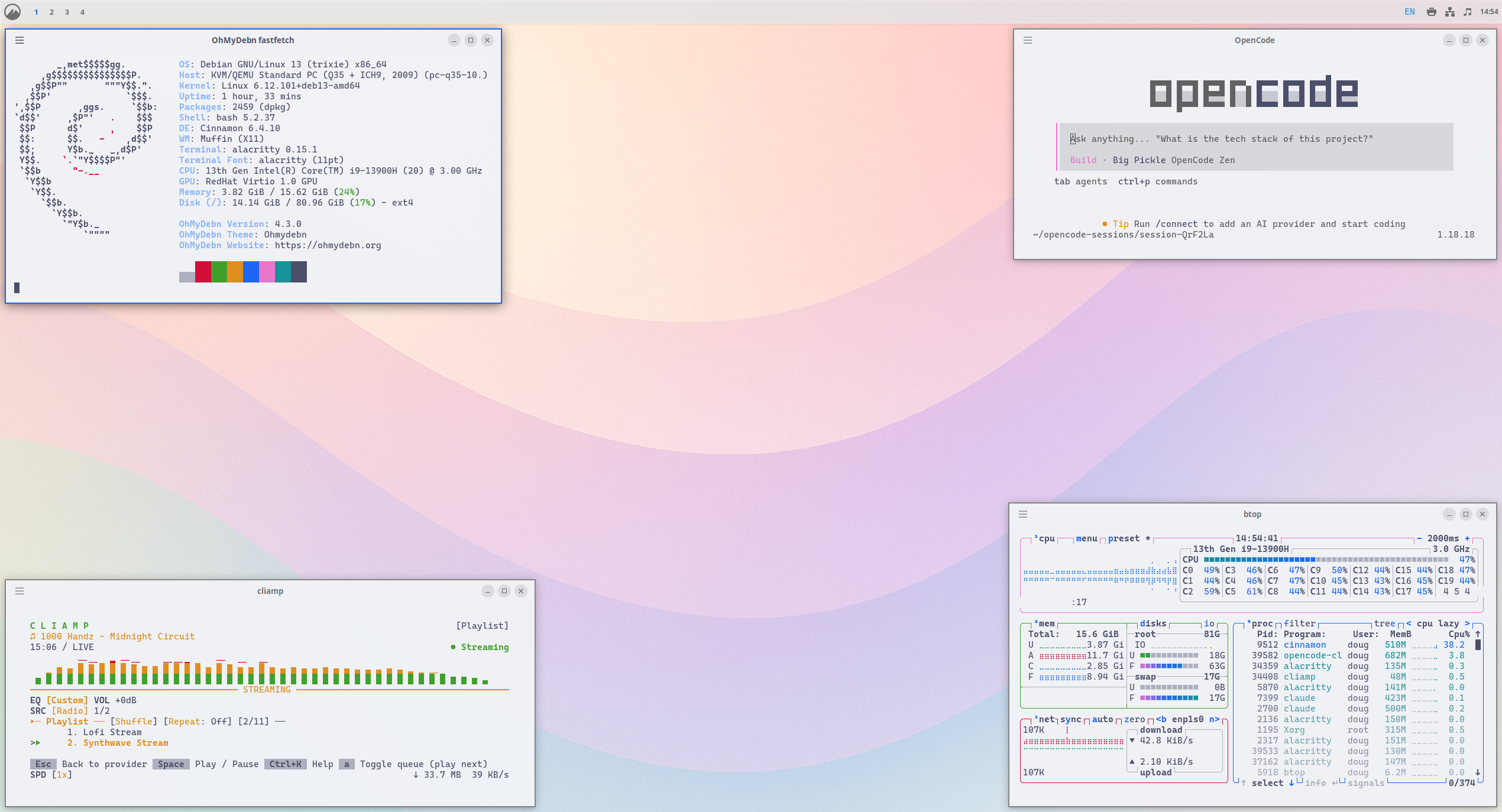
Ethereal
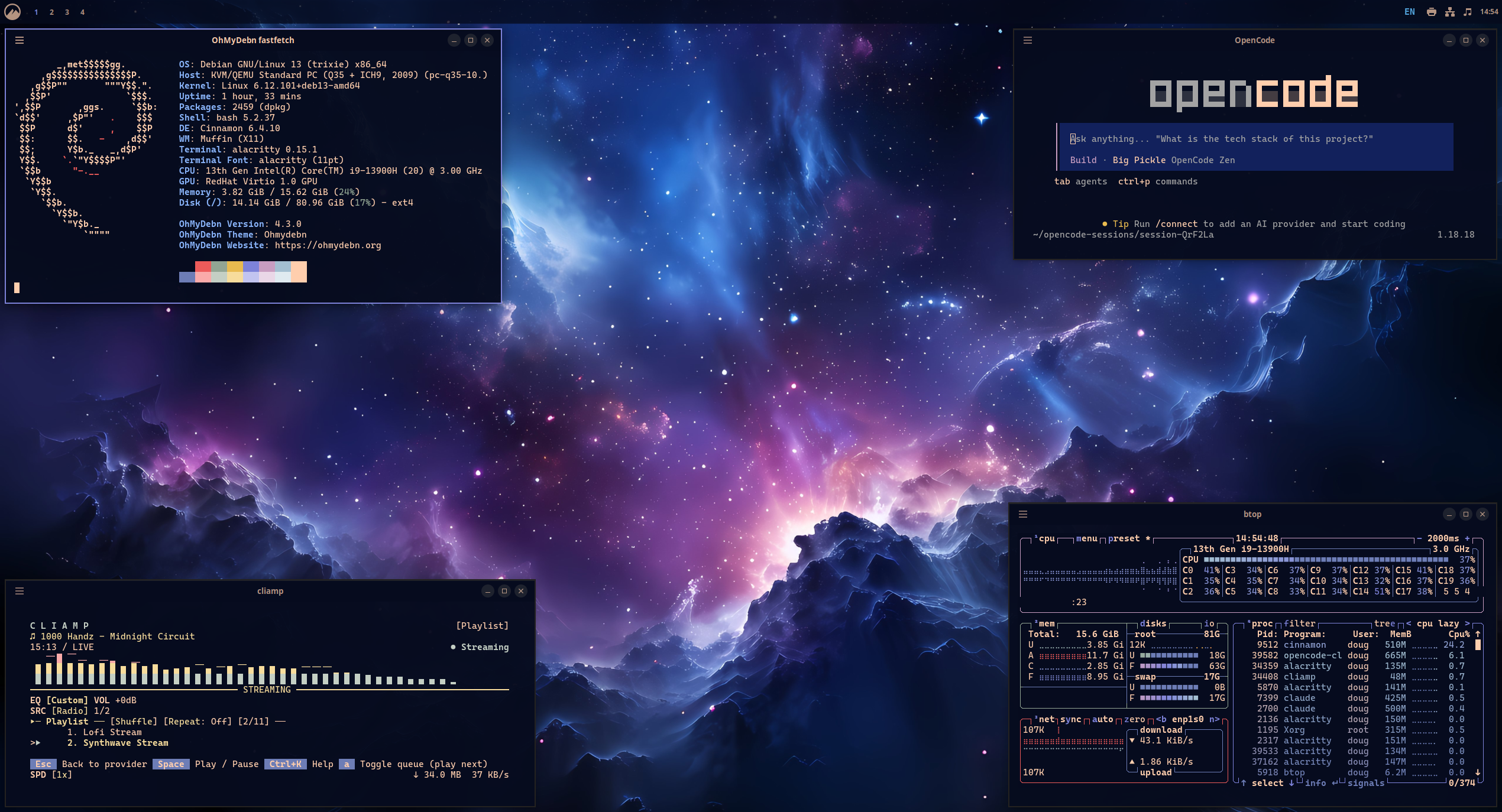
Everforest
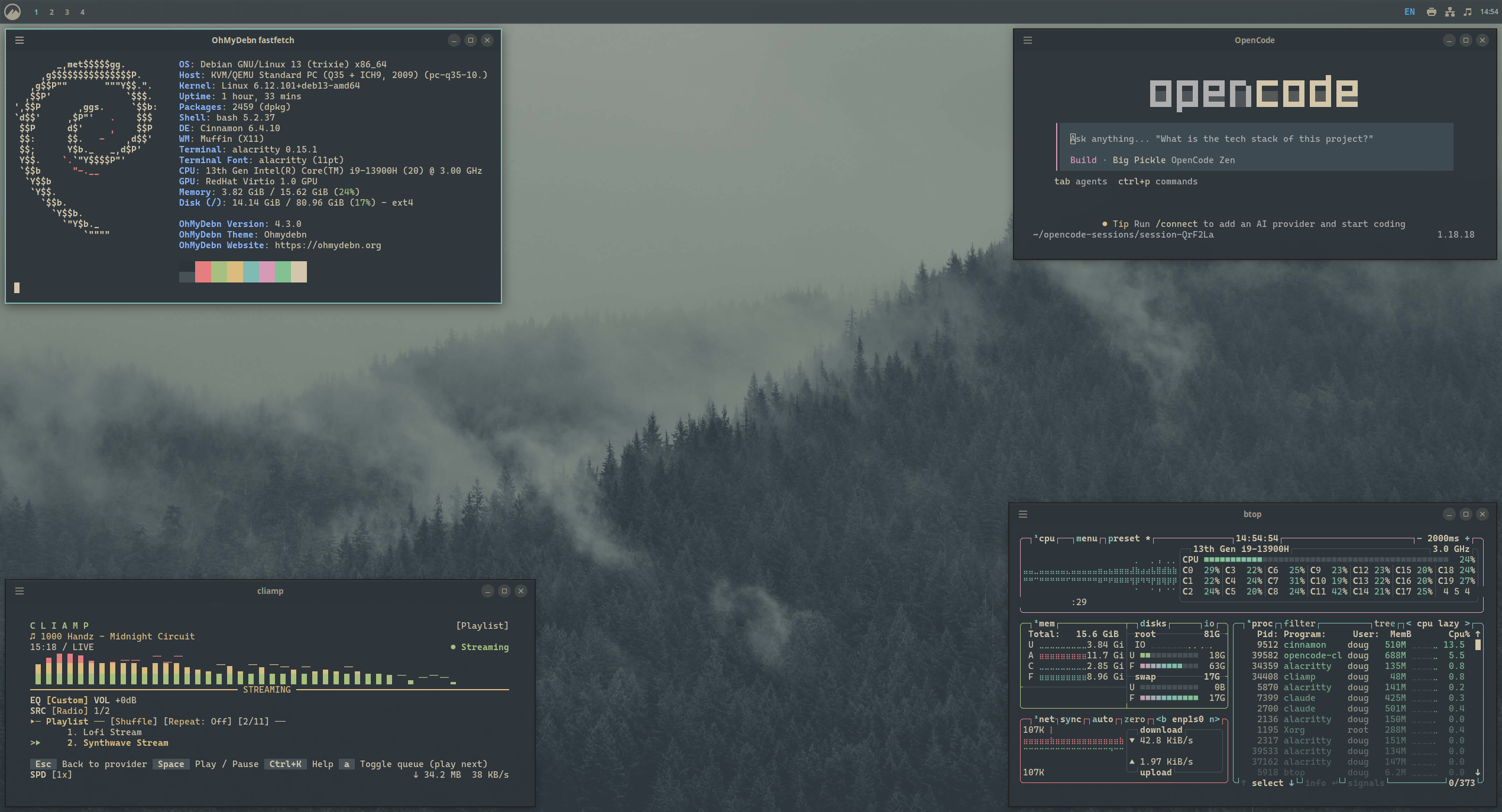
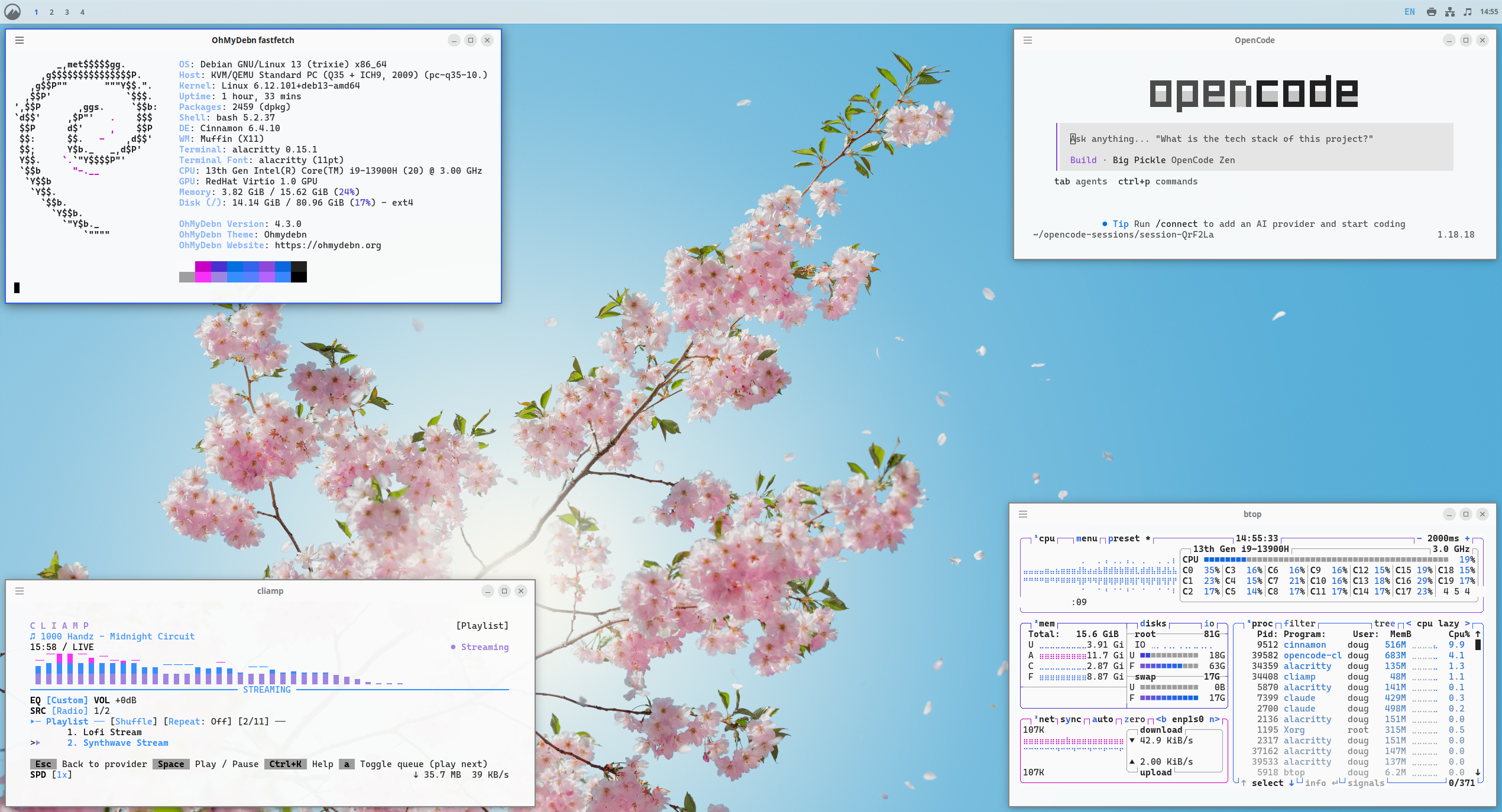
Flexoki Light
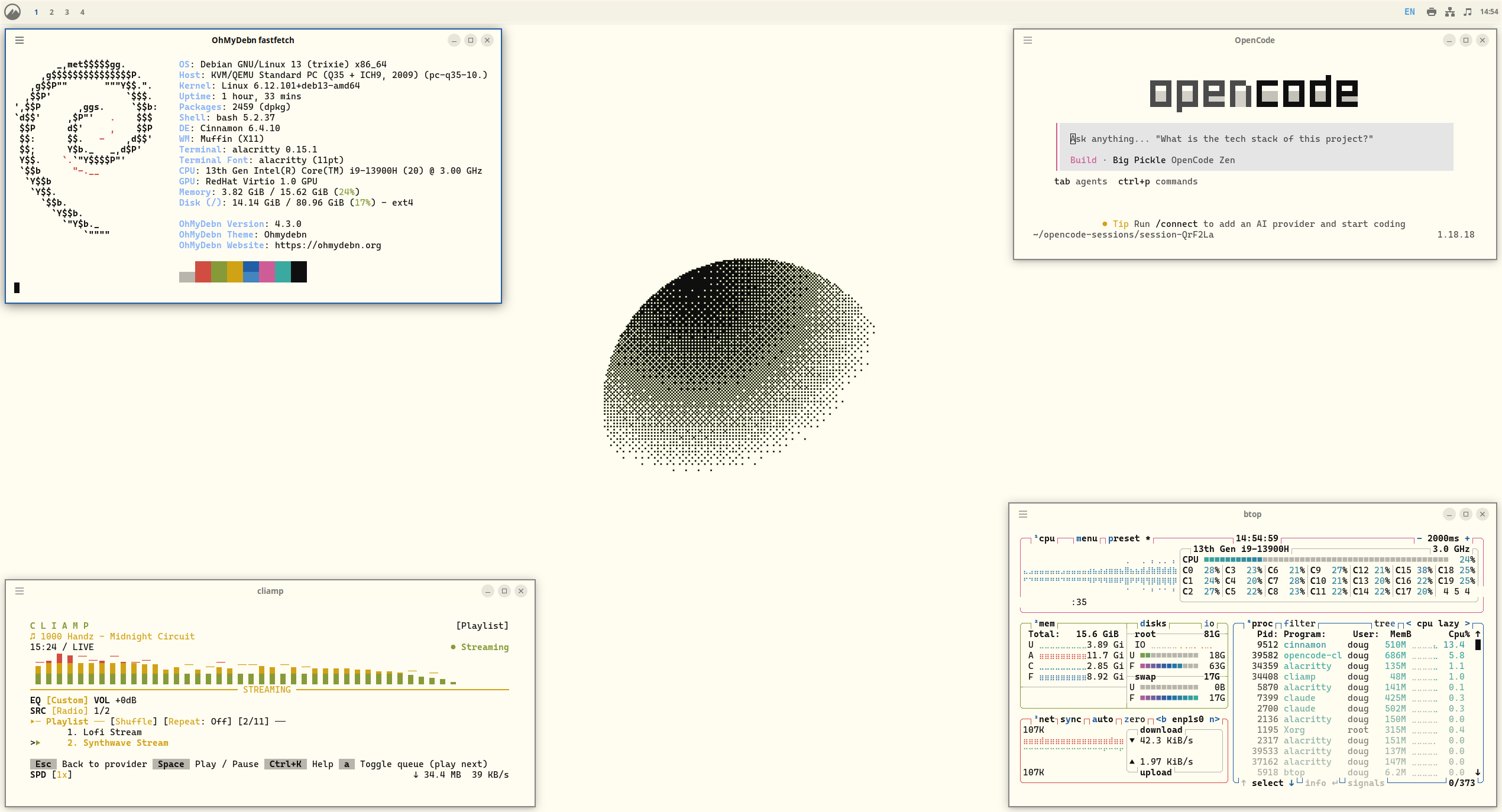
Gruvbox
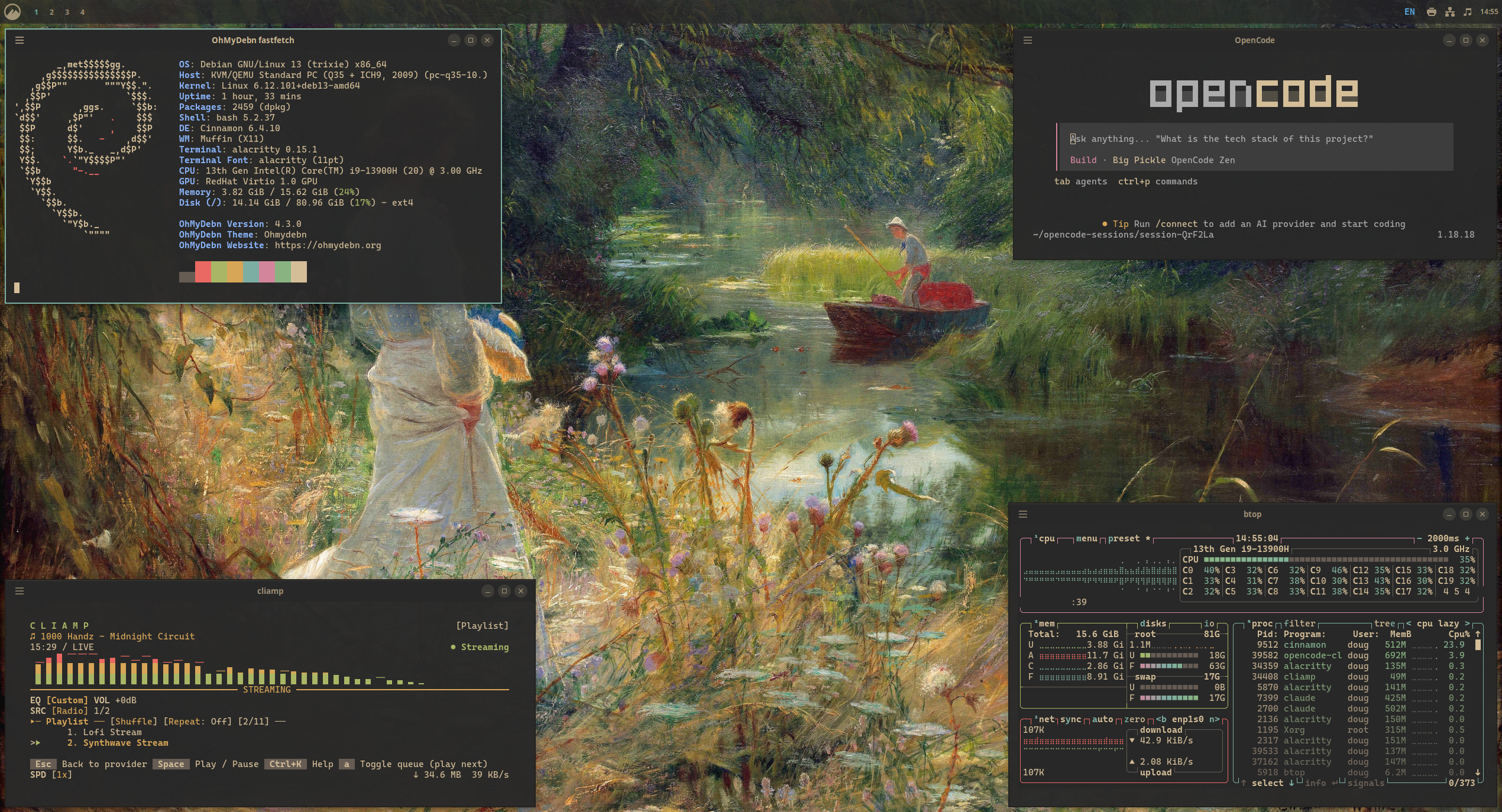
Hackerman
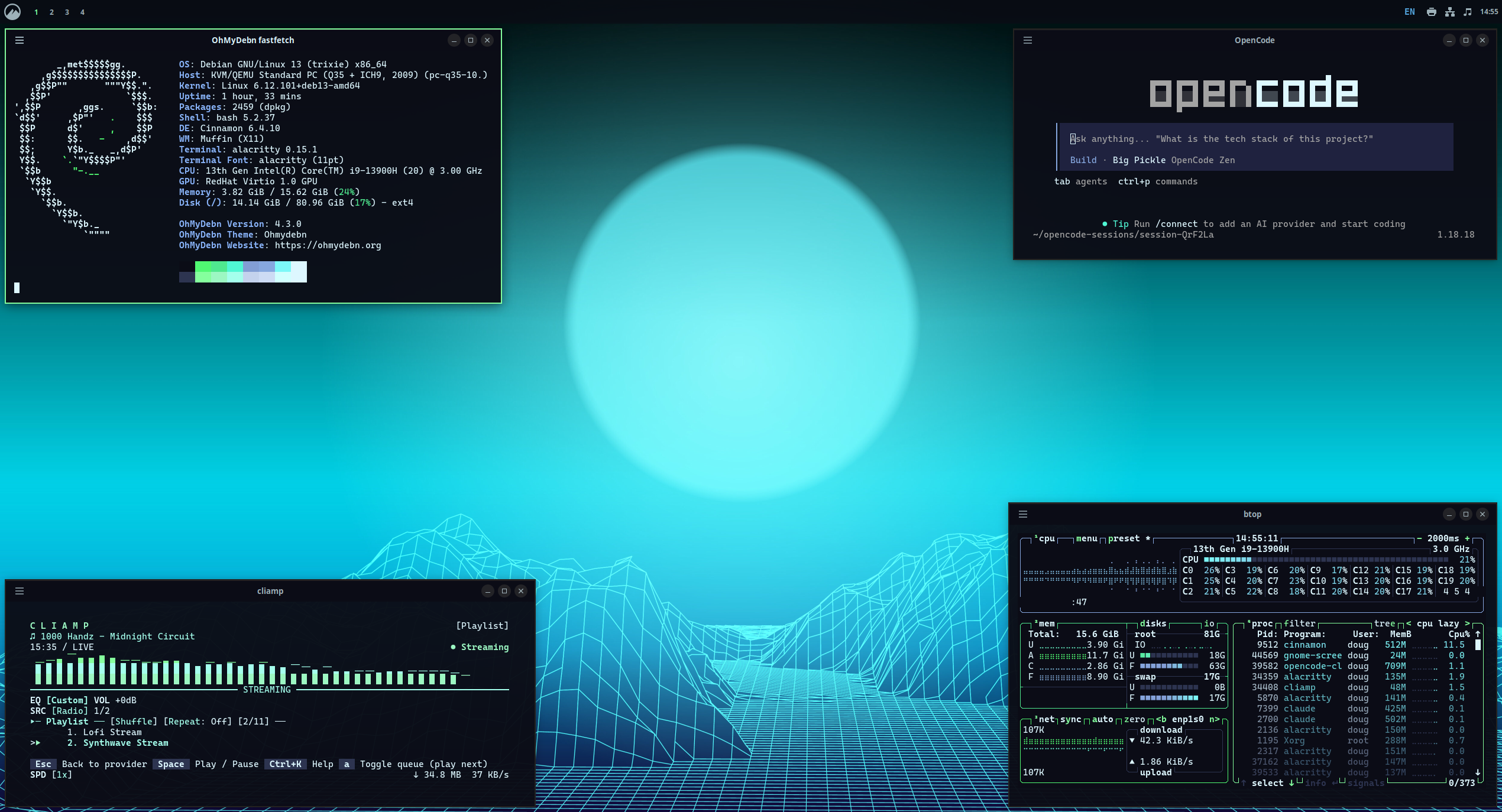
Kanagawa
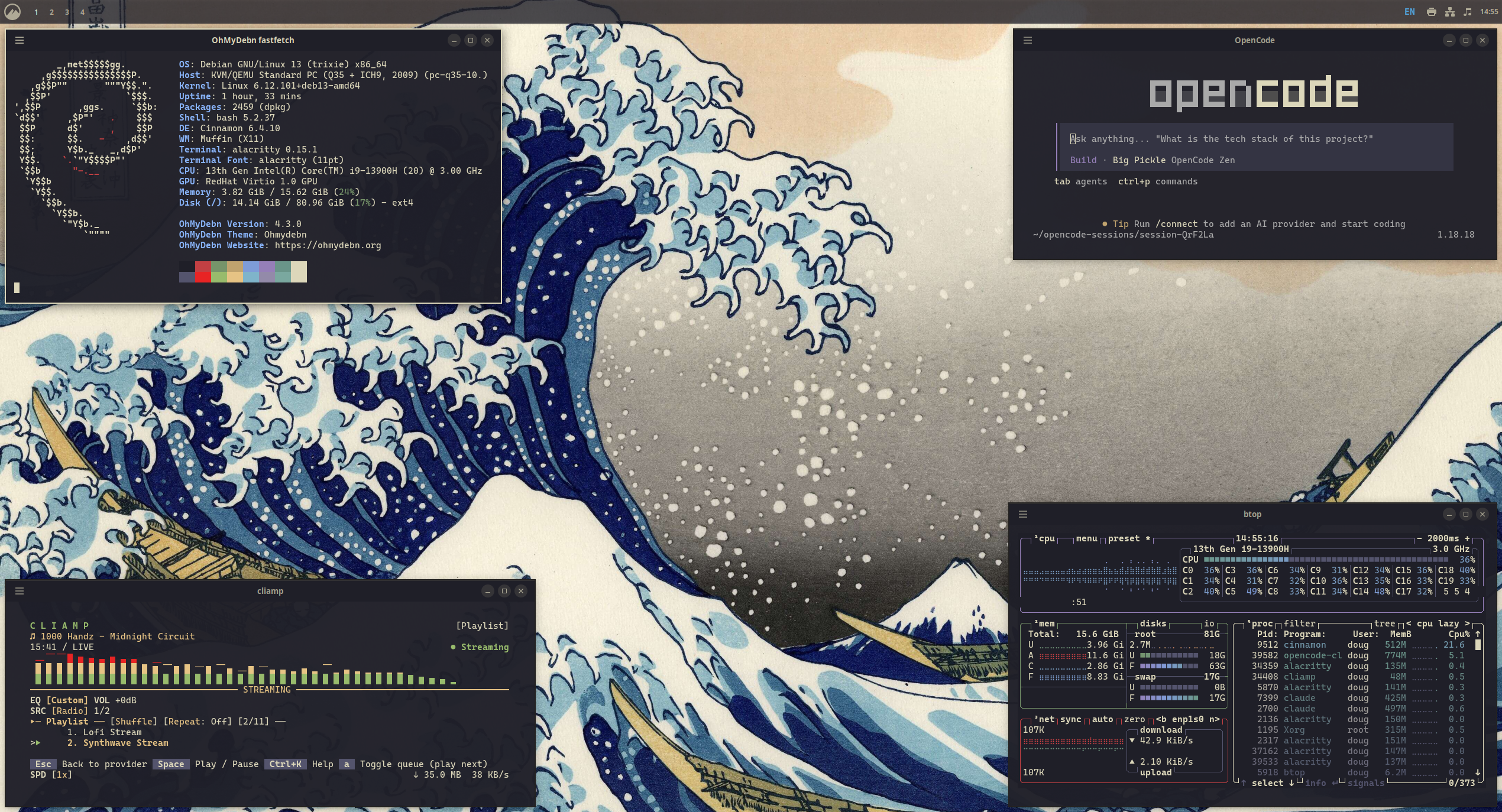
Last Horizon
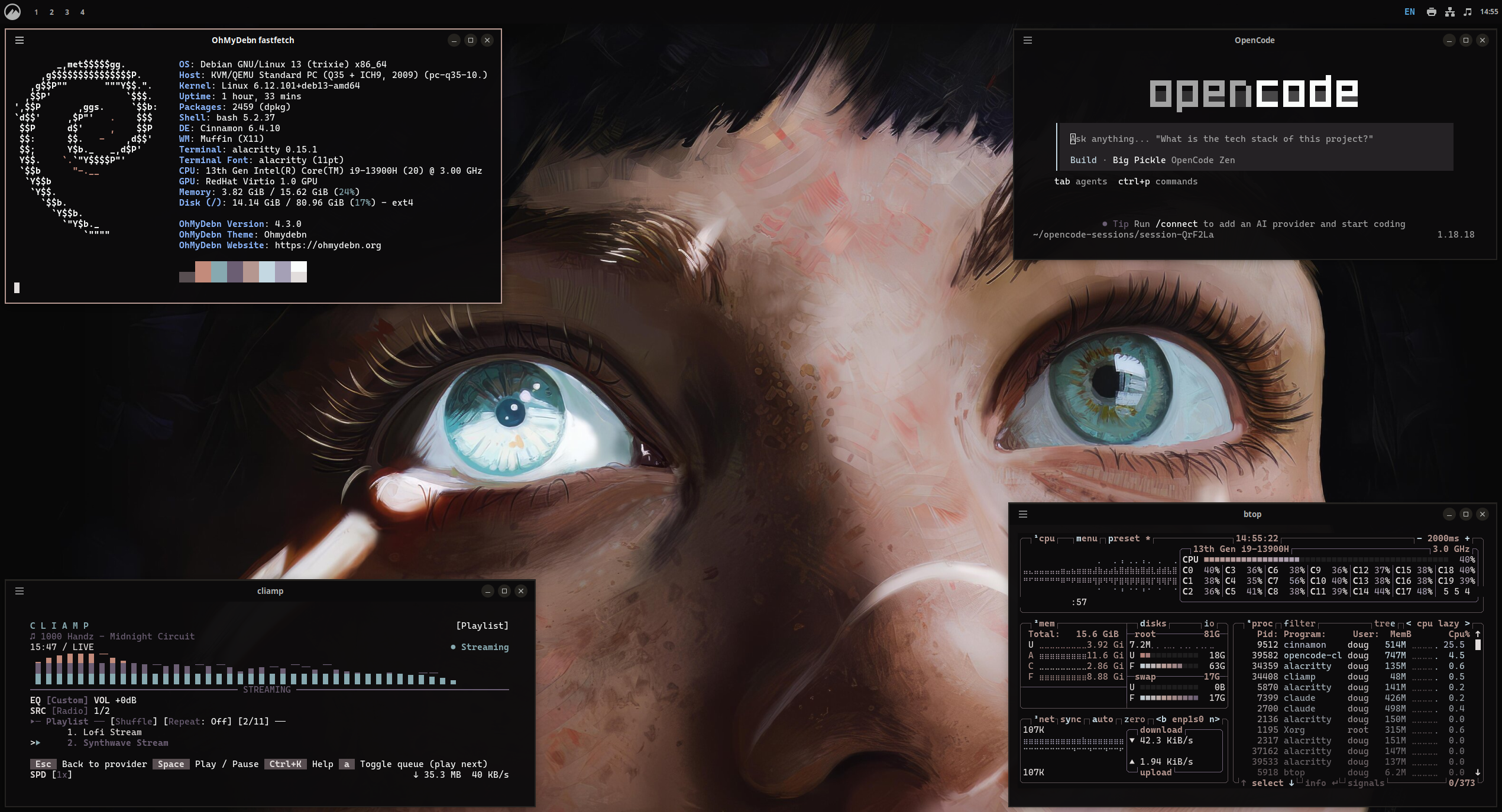
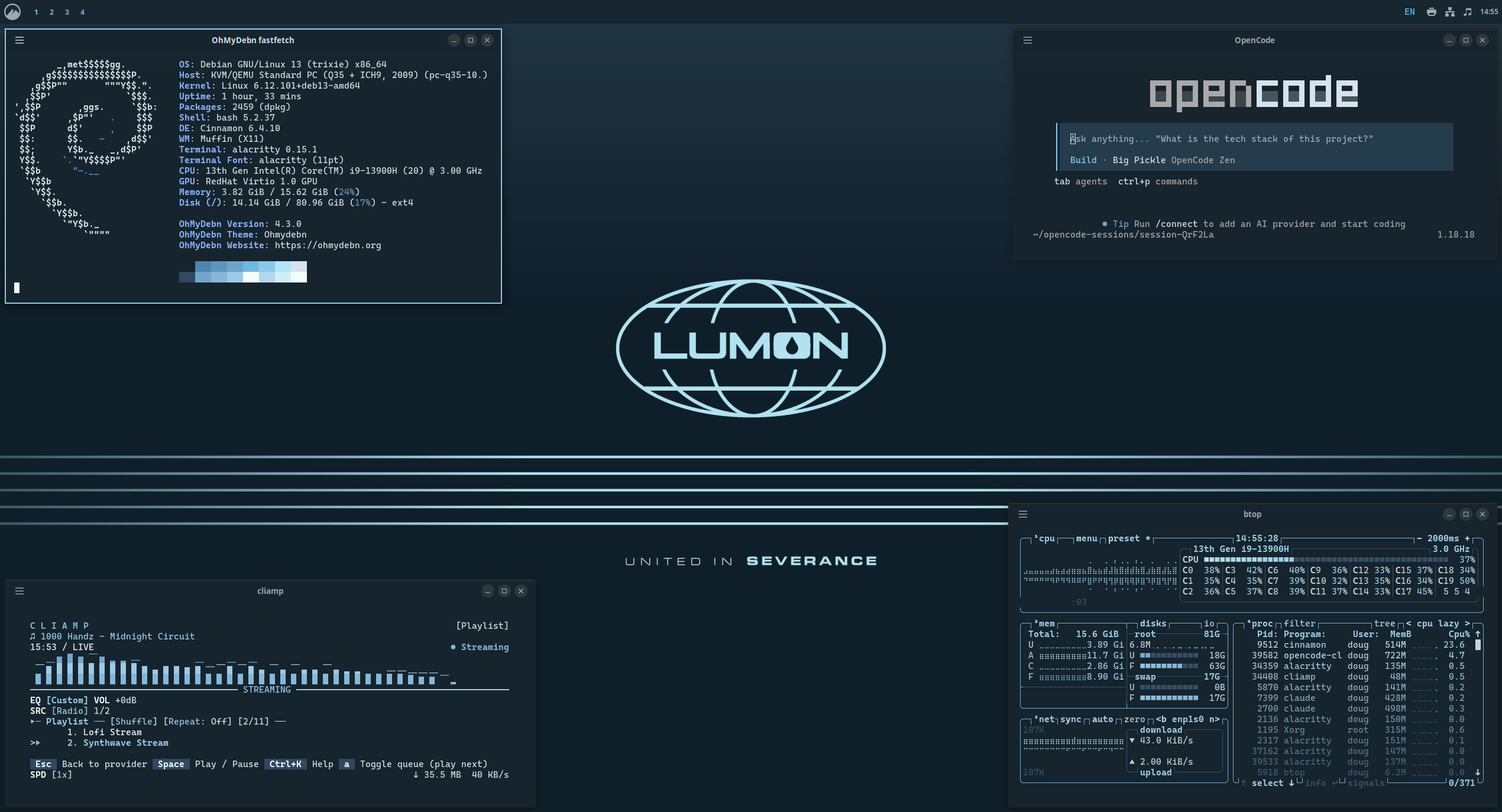
Lumon
Lupine
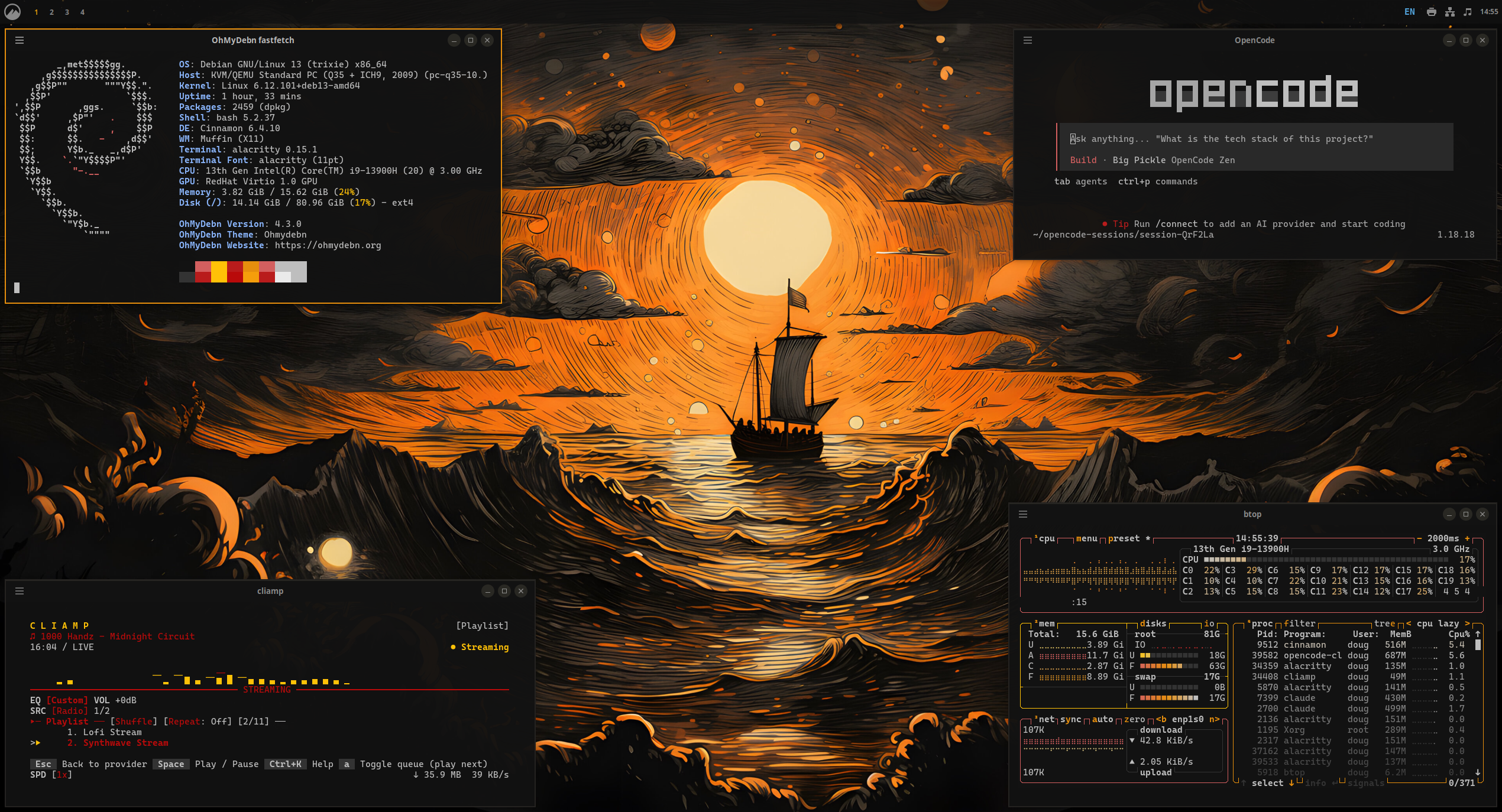
Matte Black
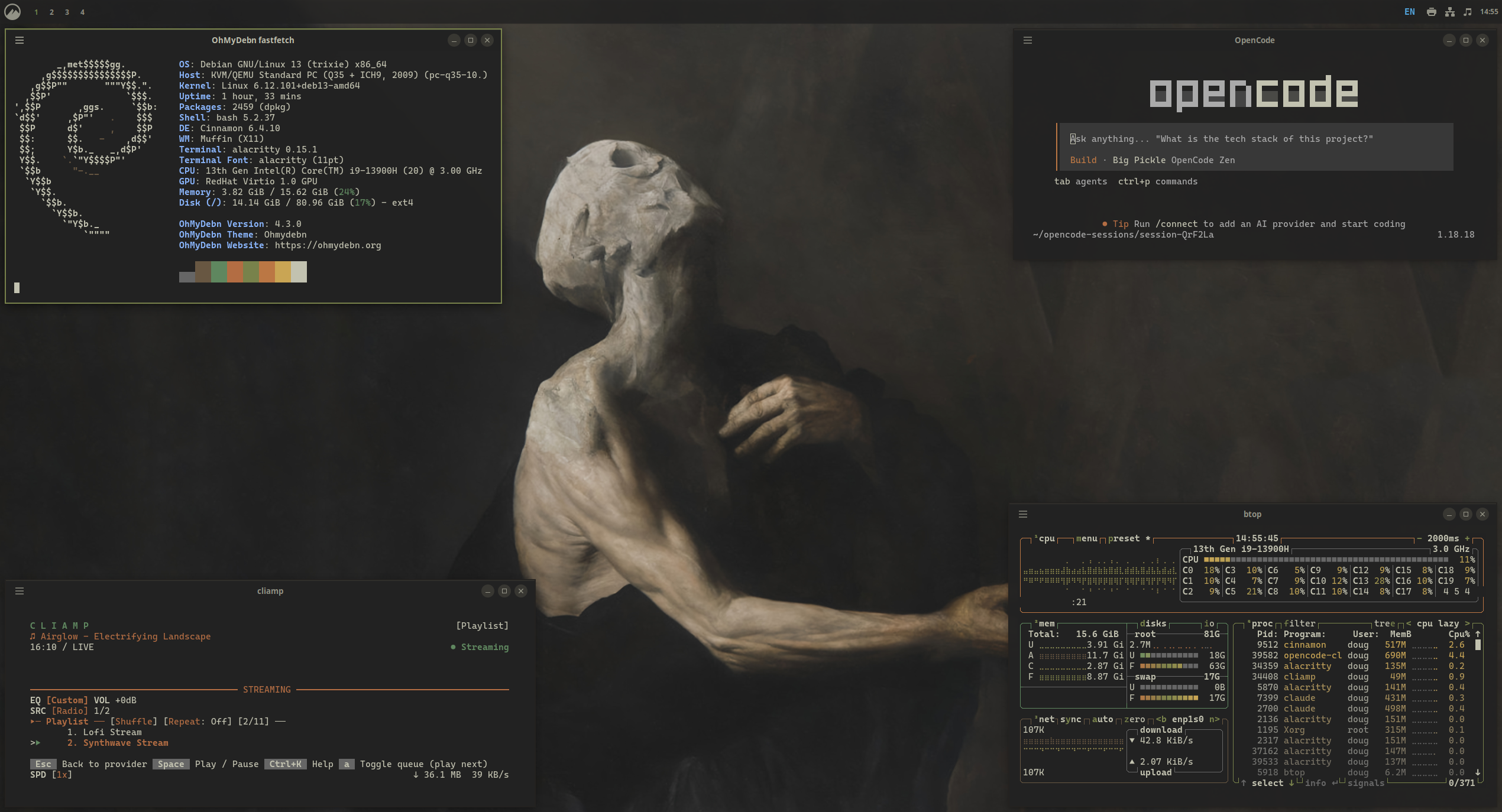
Miasma
Nord
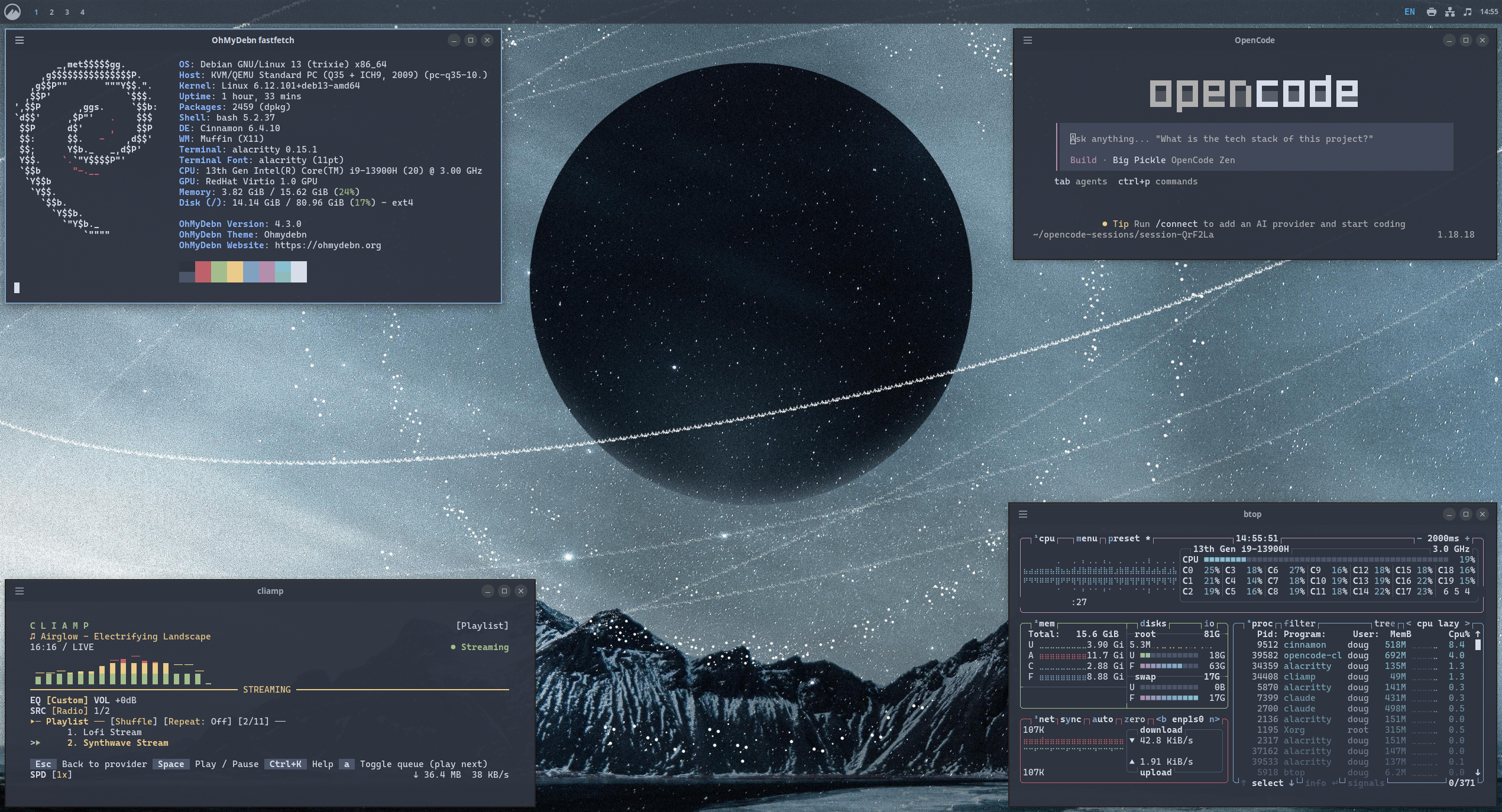
Osaka Jade
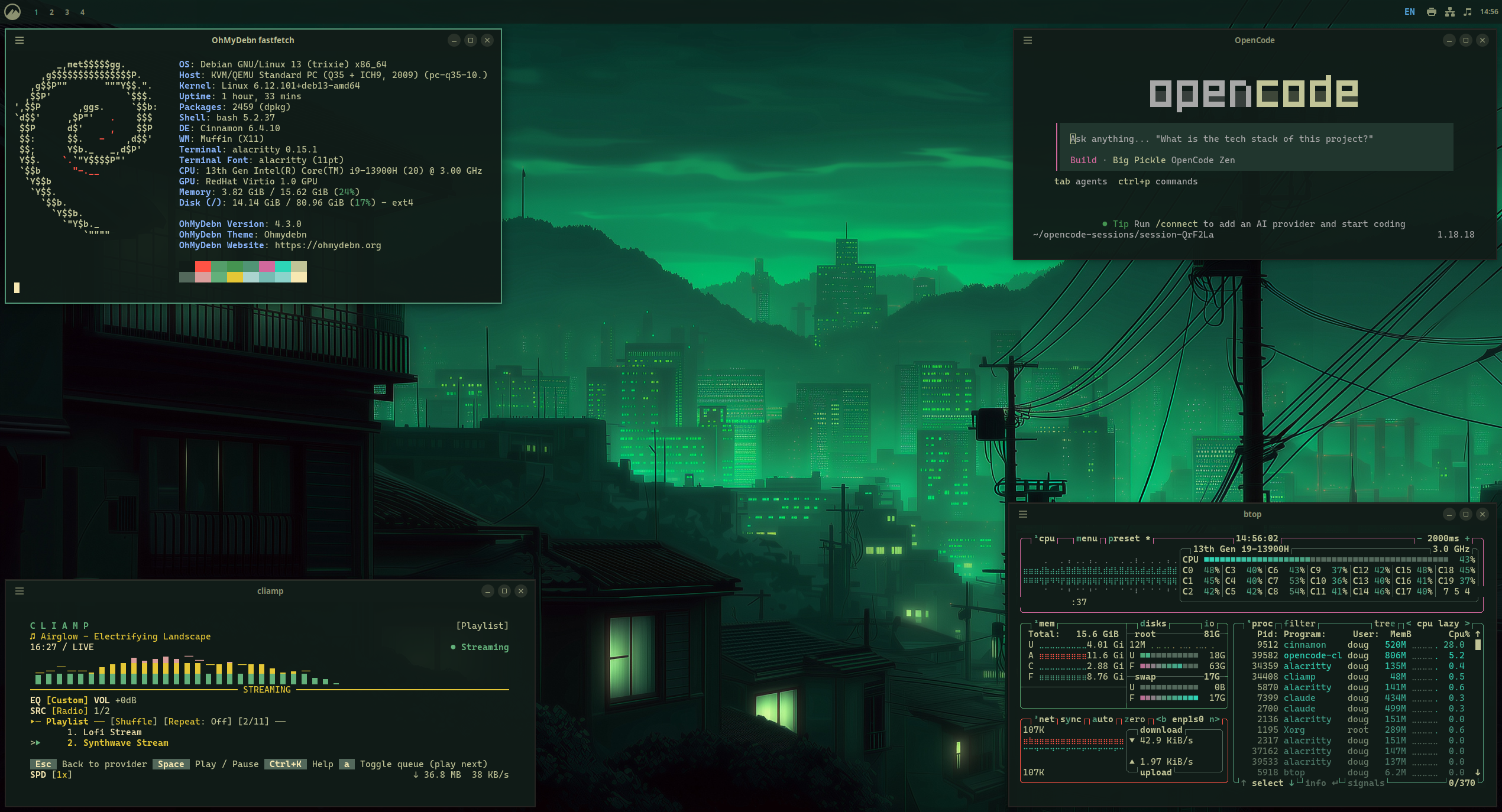
Retro 82
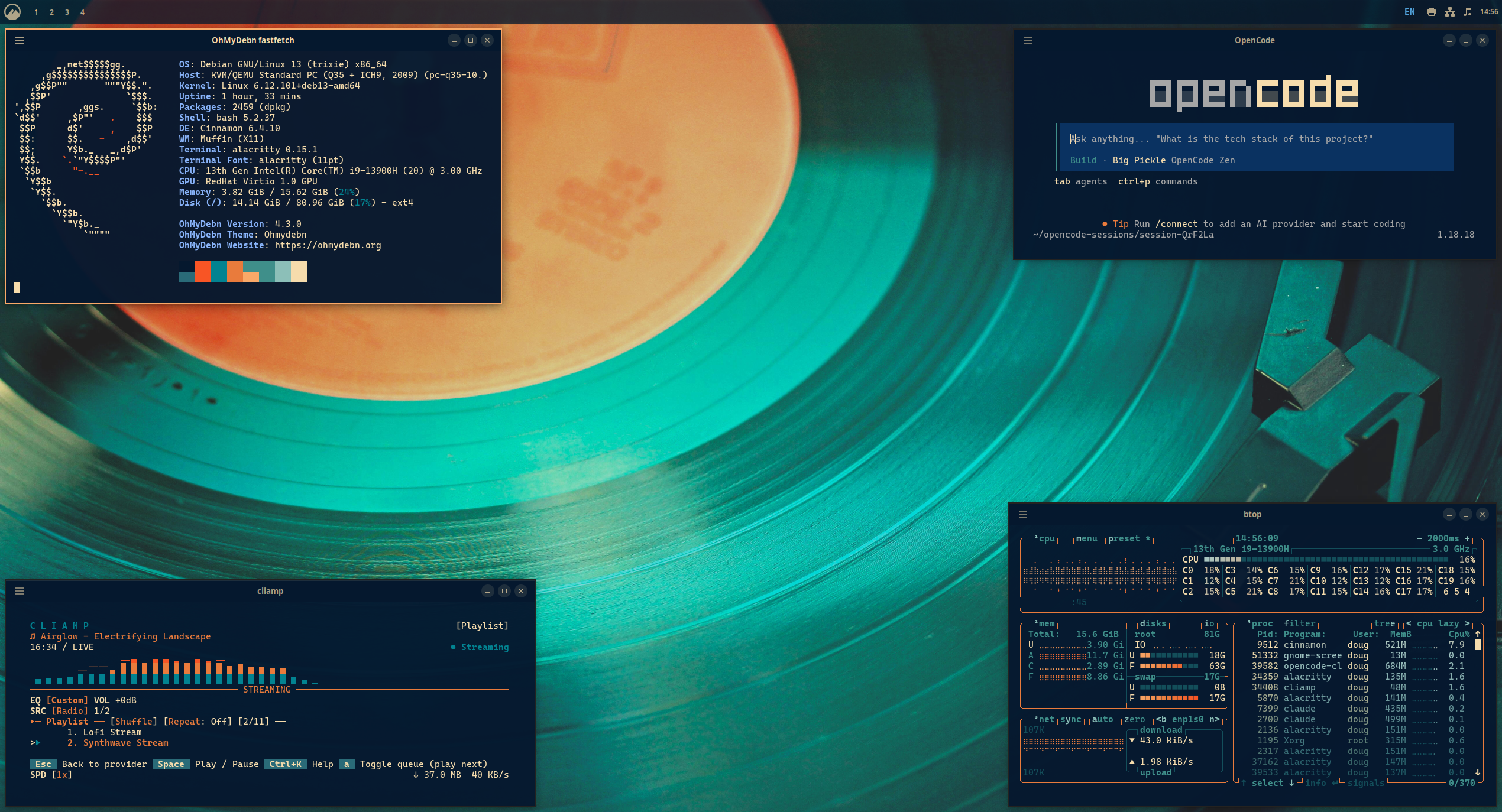
Ristretto
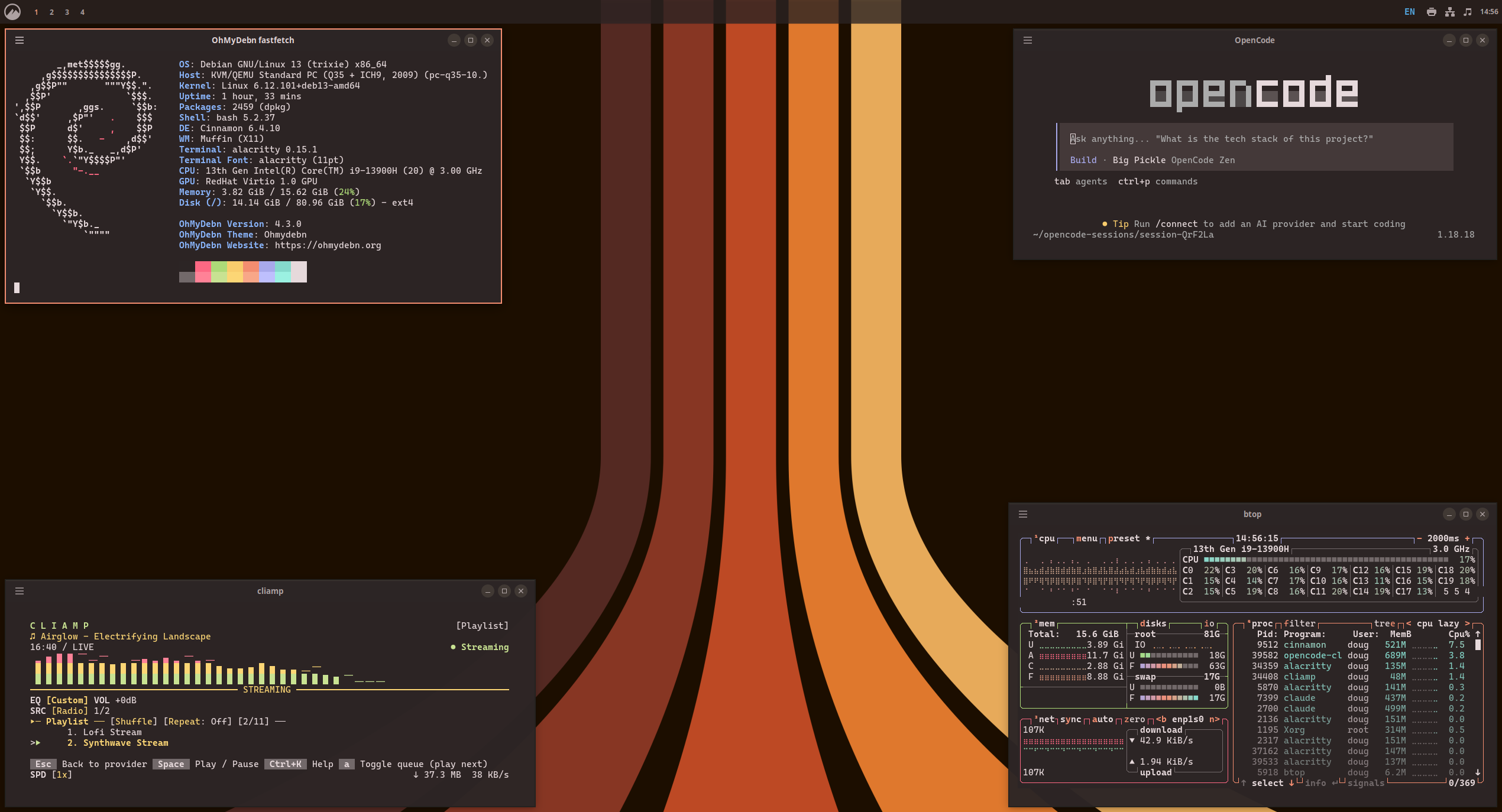
Rose Pine
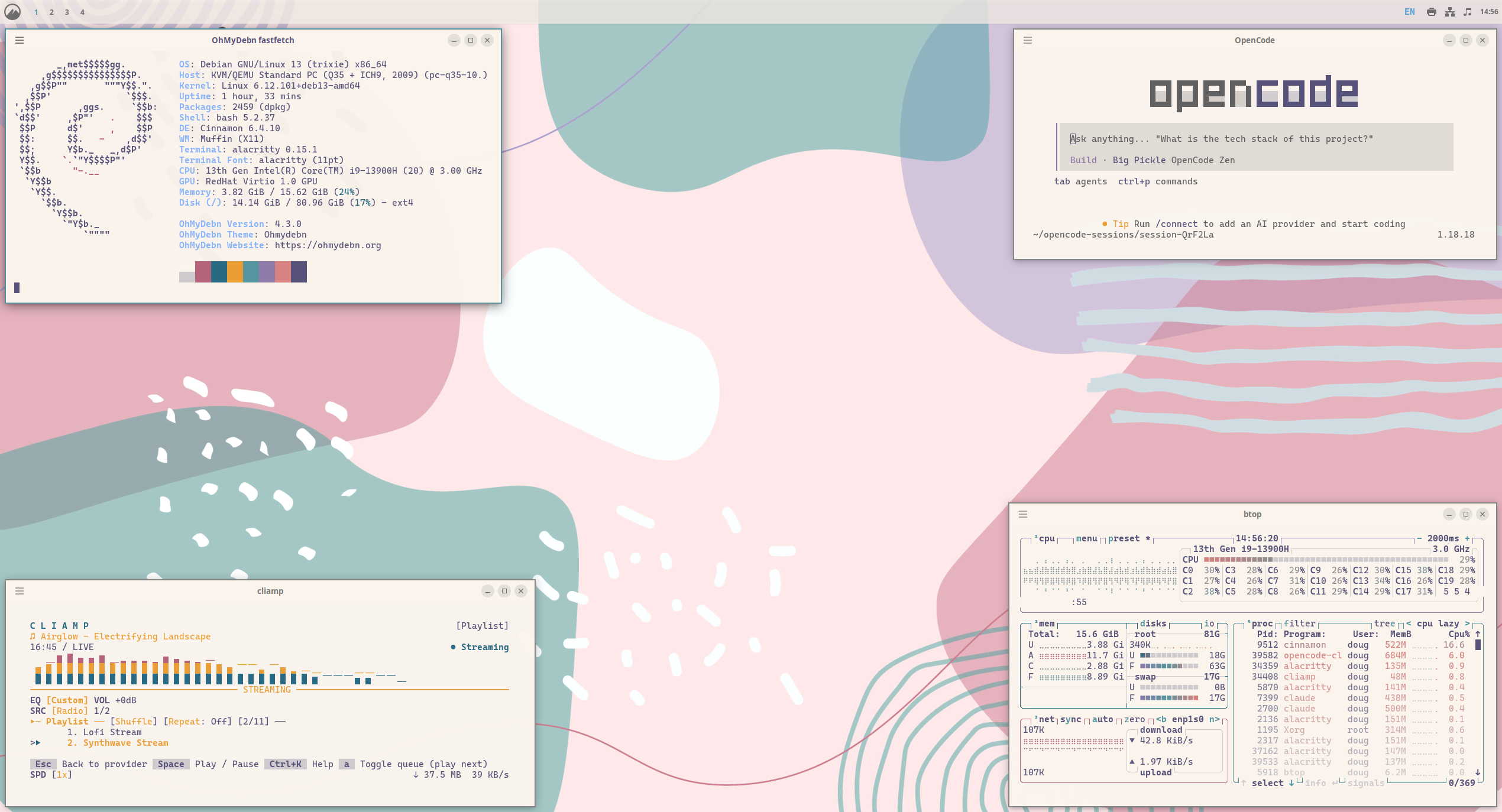
Solitude
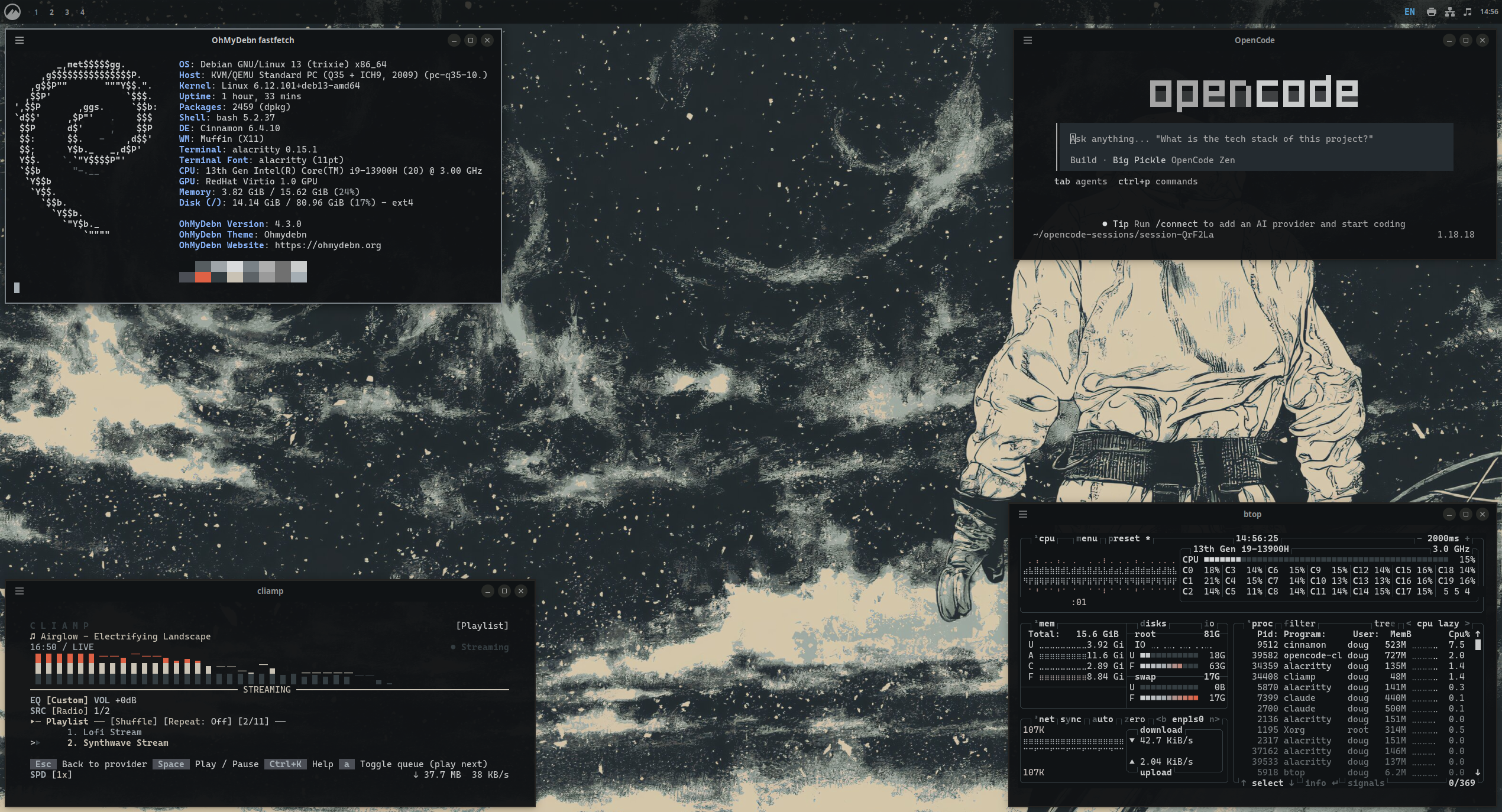
Tokyo Night
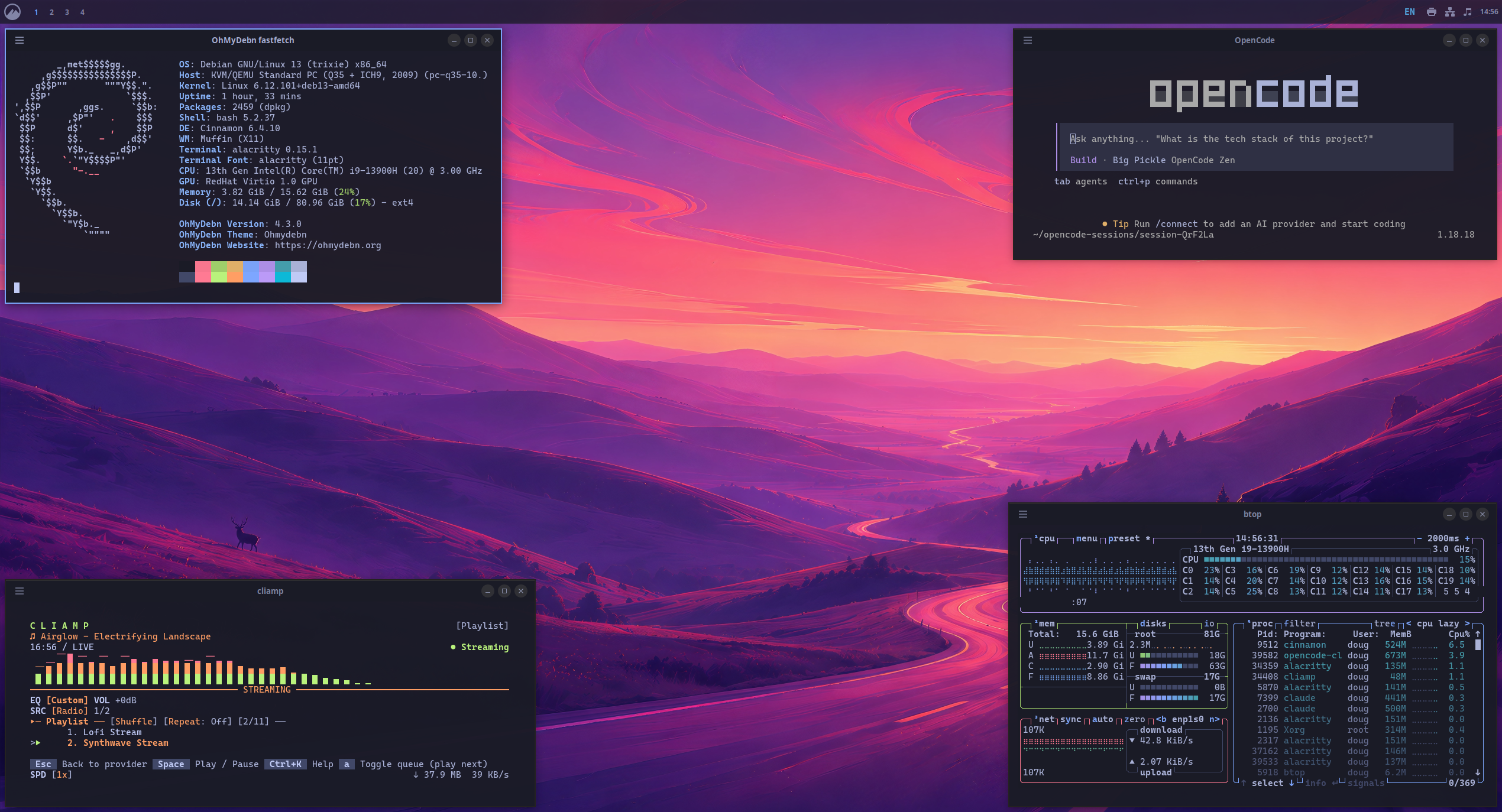
Vantablack
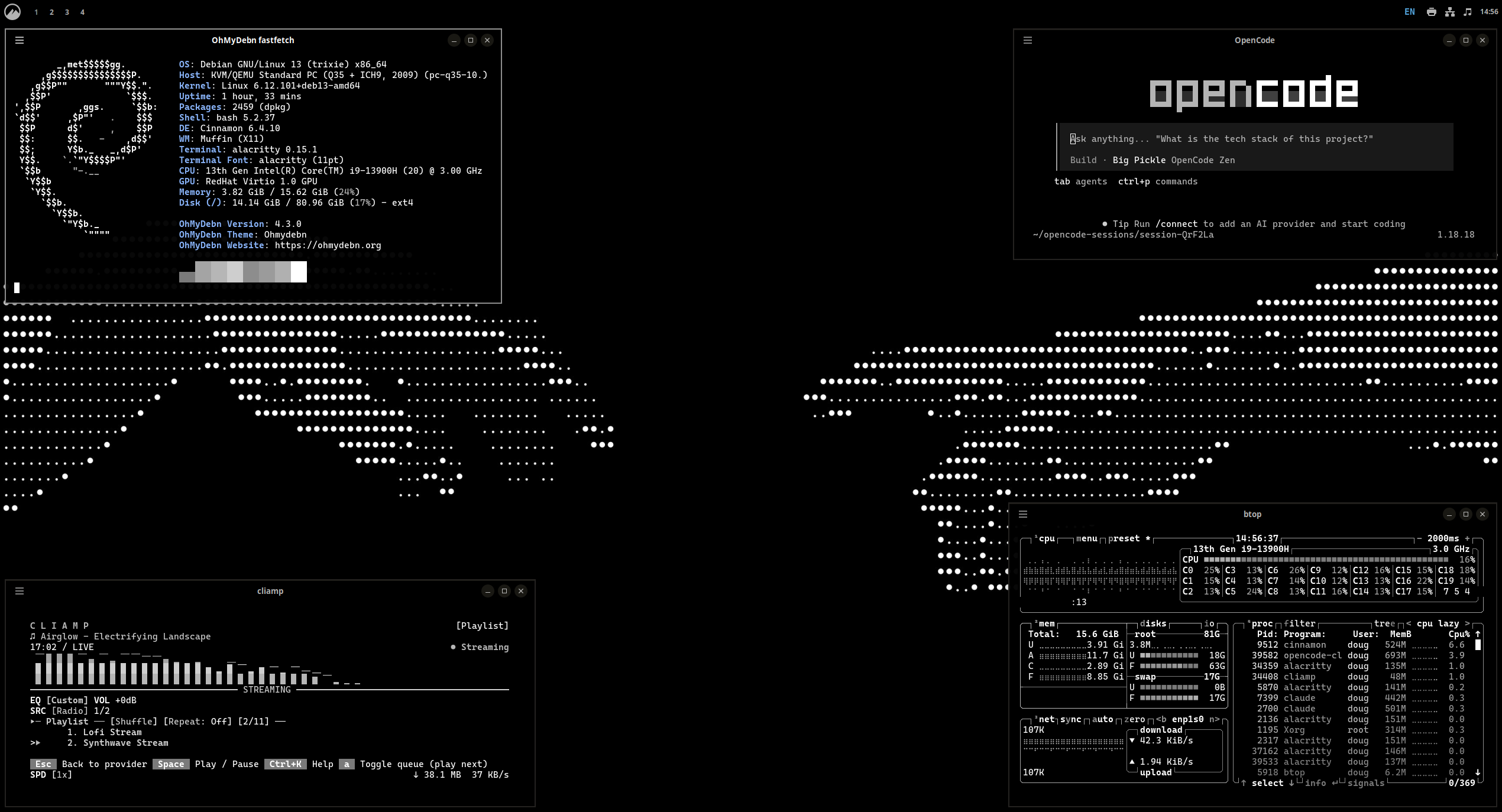
White