Cybersecurity
If you're in cybersecurity or networking, then you may need to analyze pcap files. The OhMyDebn menu's Apps > Cybersecurity section allows you to install standard libpcap utilities like tcpdump, tshark, and wireshark. It also allows you to install our new SO-CRATES tool. Alternatively, you can run ohmydebn-socrates or just use hotkey Ctrl + Alt + S. Any of these methods will install Podman if necessary and then download and start SO-CRATES.
Once SO-CRATES starts, its web interface opens in your default browser. The first time, that waits until SO-CRATES has finished downloading, which can take a few minutes. If you close that browser tab, click the link at the bottom of the terminal window to open it again. To stop SO-CRATES, press Ctrl + C in that window.
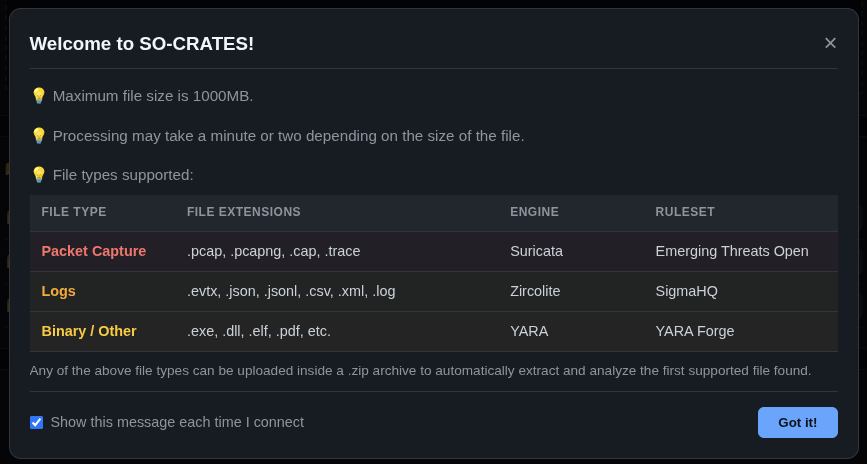
The welcome screen gives you an overview of SO-CRATES:
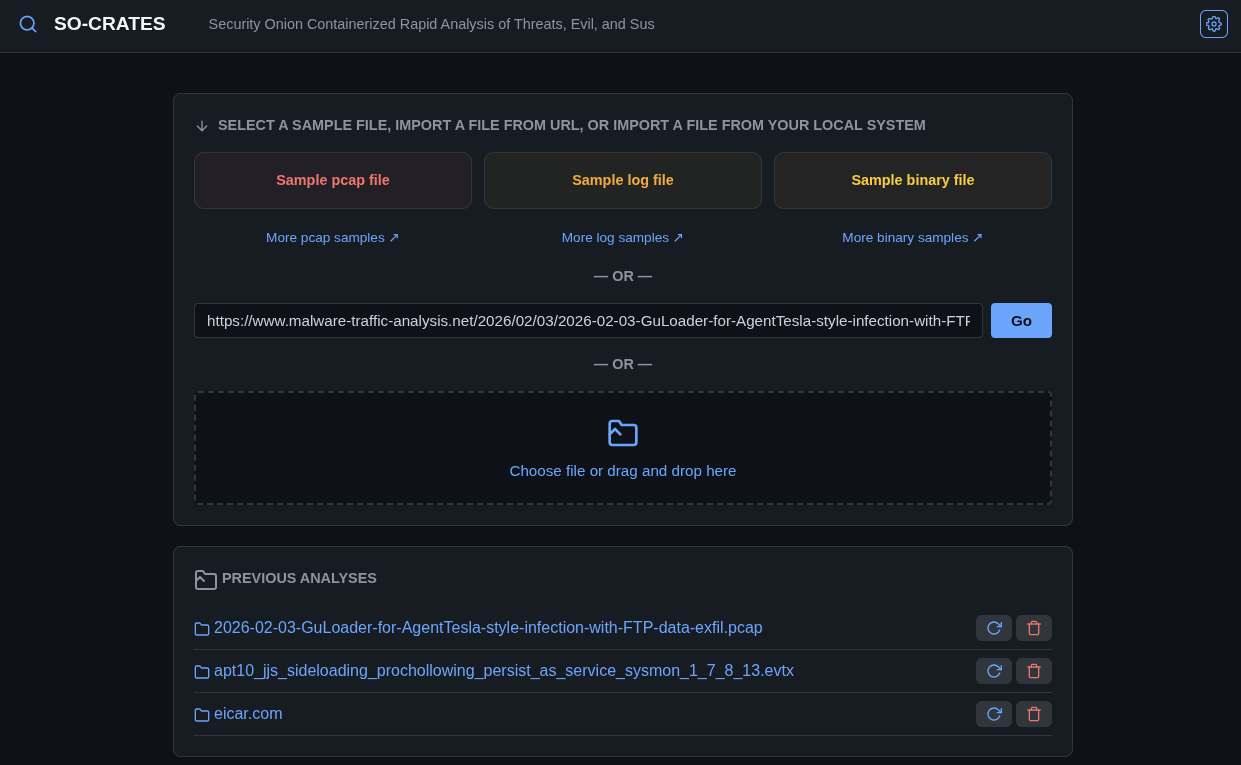
The main screen allows you to upload a pcap file, log file, or binary file:
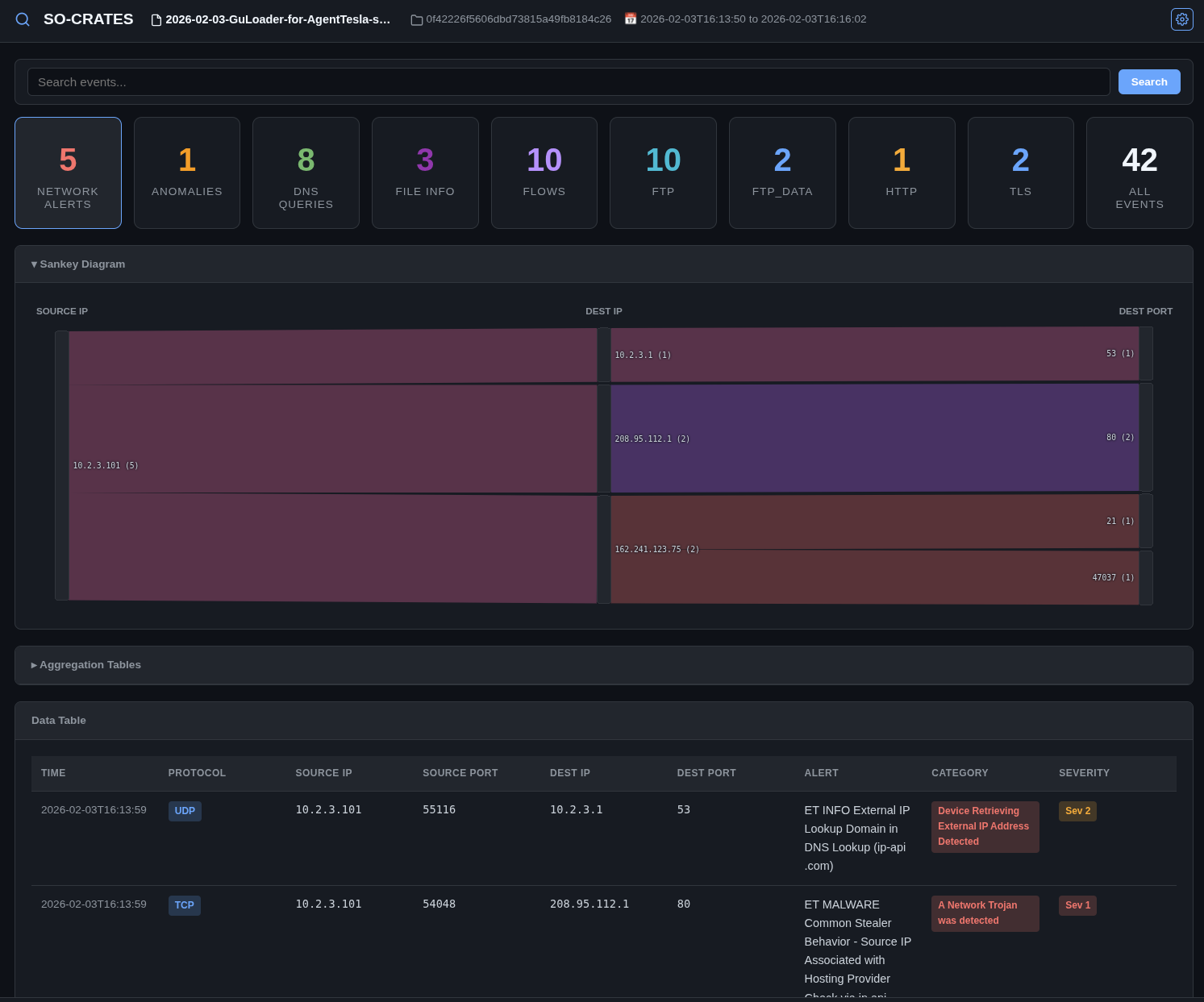
After analysis, you can view security alerts, network metadata, and extract streams:
SO-CRATES has a theme sync option. If you enable this option then, whenever you change your OhMyDebn theme, the SO-CRATES theme will automatically update as well.
You can read more about SO-CRATES at https://so-crates.org.