Media
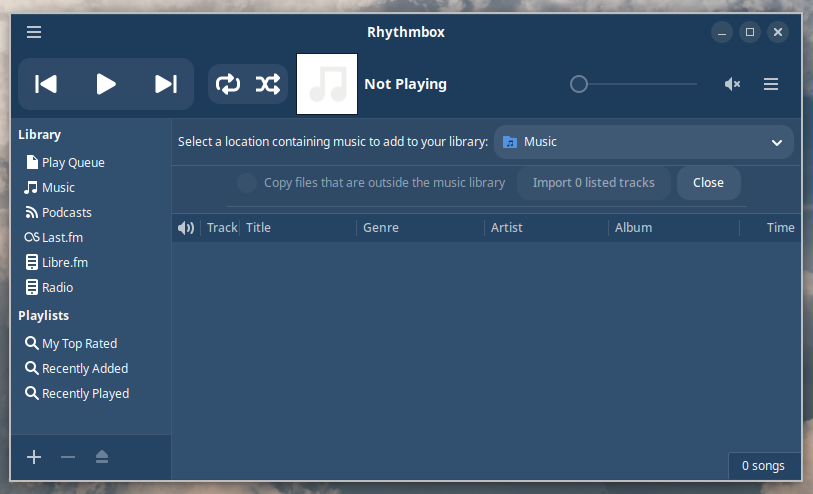
Rhythmbox
Some distros include the Rhythmbox music player. If yours doesn't, you can install it:
sudo apt install rhythmbox
Cava
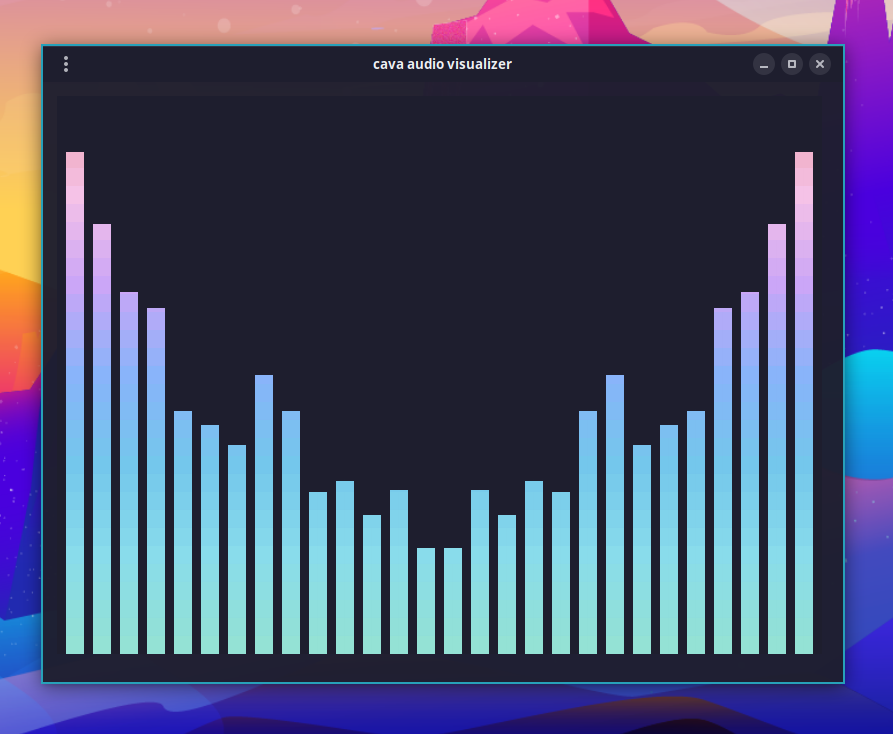
To visualize your system audio, run cava in a terminal or use hotkey Ctrl + Super + A.
cliamp
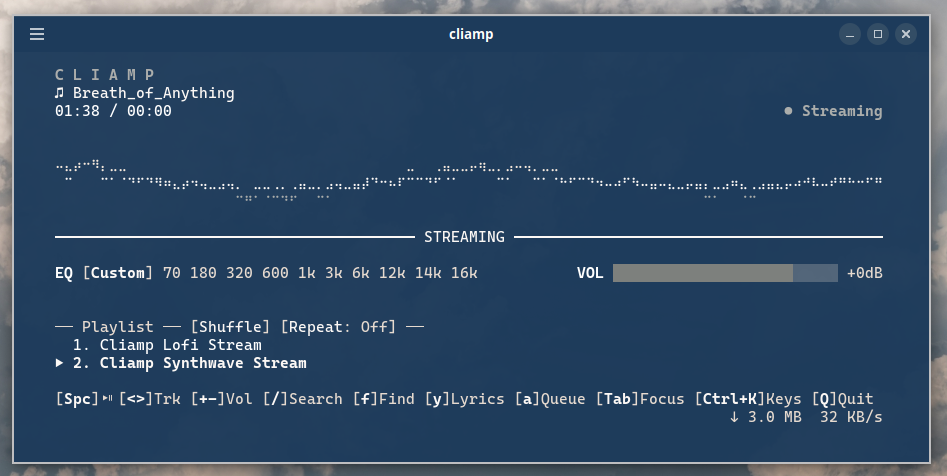
cliamp is a terminal music player. Hotkey Ctrl + Alt + M will check to see if it's installed and install if necessary. Alternatively, you can install via the OhMyDebn menu (Apps > Media).
AirPlay
The OhMyDebn menu (Apps > Media) includes UxPlay, an AirPlay receiver. Choosing it installs UxPlay if needed, then starts it listening on ports 6000 to 6002. To start it yourself in a terminal, use the same ports:
uxplay -p 6000
The firewall blocks those ports until you open them, along with 5353/udp, which Apple devices use to find the receiver:
sudo ufw allow 6000:6002/tcp
sudo ufw allow 6000:6002/udp
sudo ufw allow 5353/udp
Once the ports are open, any Apple devices on the same network should see the receiver in their list of AirPlay devices.