PCAP Analysis
If you're in cybersecurity or networking, then you may need to analyze pcap files. The OhMyDebn menu has an Install section that allows you to install standard libpcap utilities like tcpdump, tshark, and wireshark. It also allows you to install our new SO-CRATES tool. Alternatively, you can run ohmydebn-socrates or just use hotkey Ctrl + Alt + S. Any of these methods will check to see if SO-CRATES is installed and install it if necessary.
Once SO-CRATES starts just click the hyperlink at the bottom of the terminal window to open the SO-CRATES web interface in your browser.
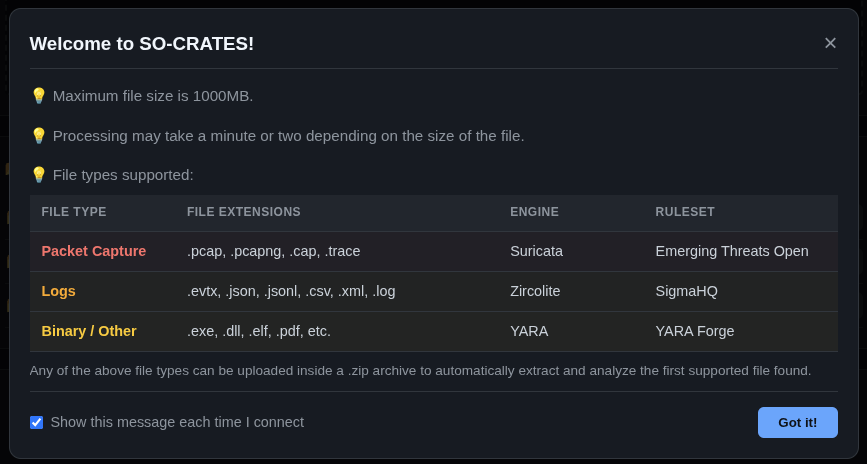
The welcome screen gives you an overview of SO-CRATES:
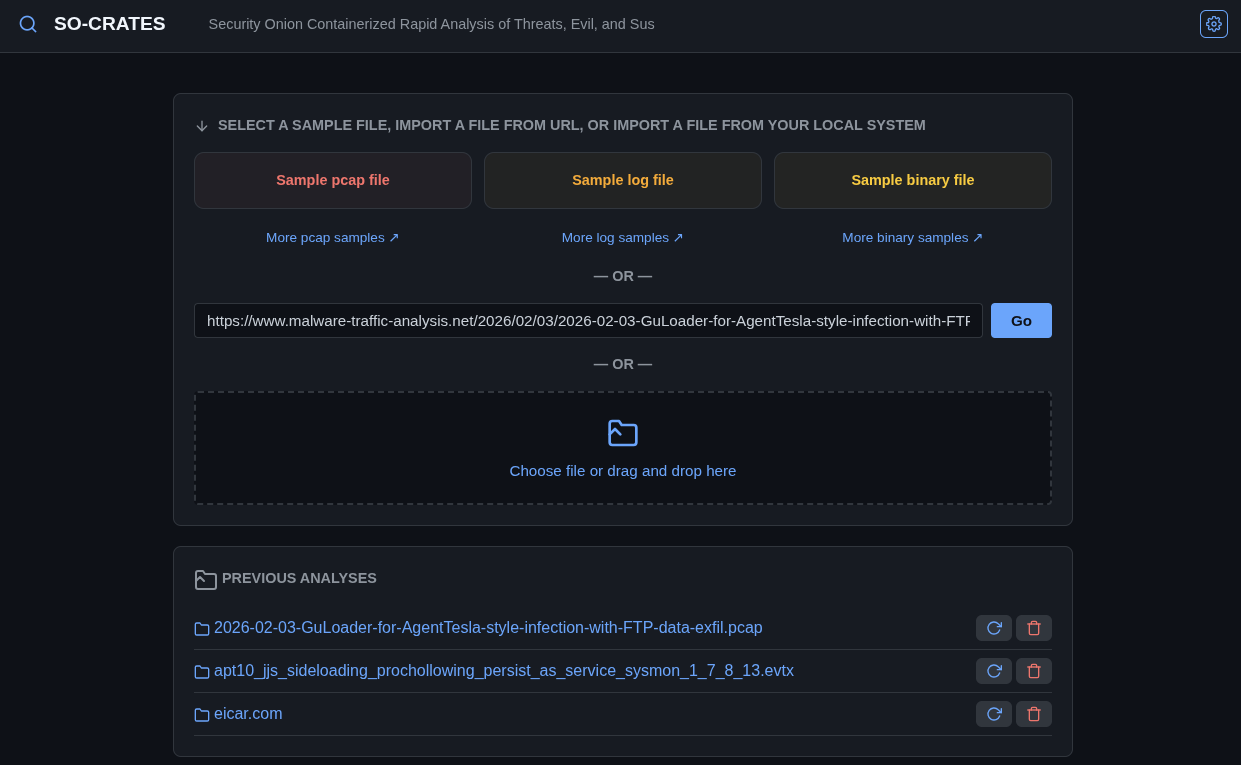
 The main screen allows you to upload a pcap file, log file, or binary file:
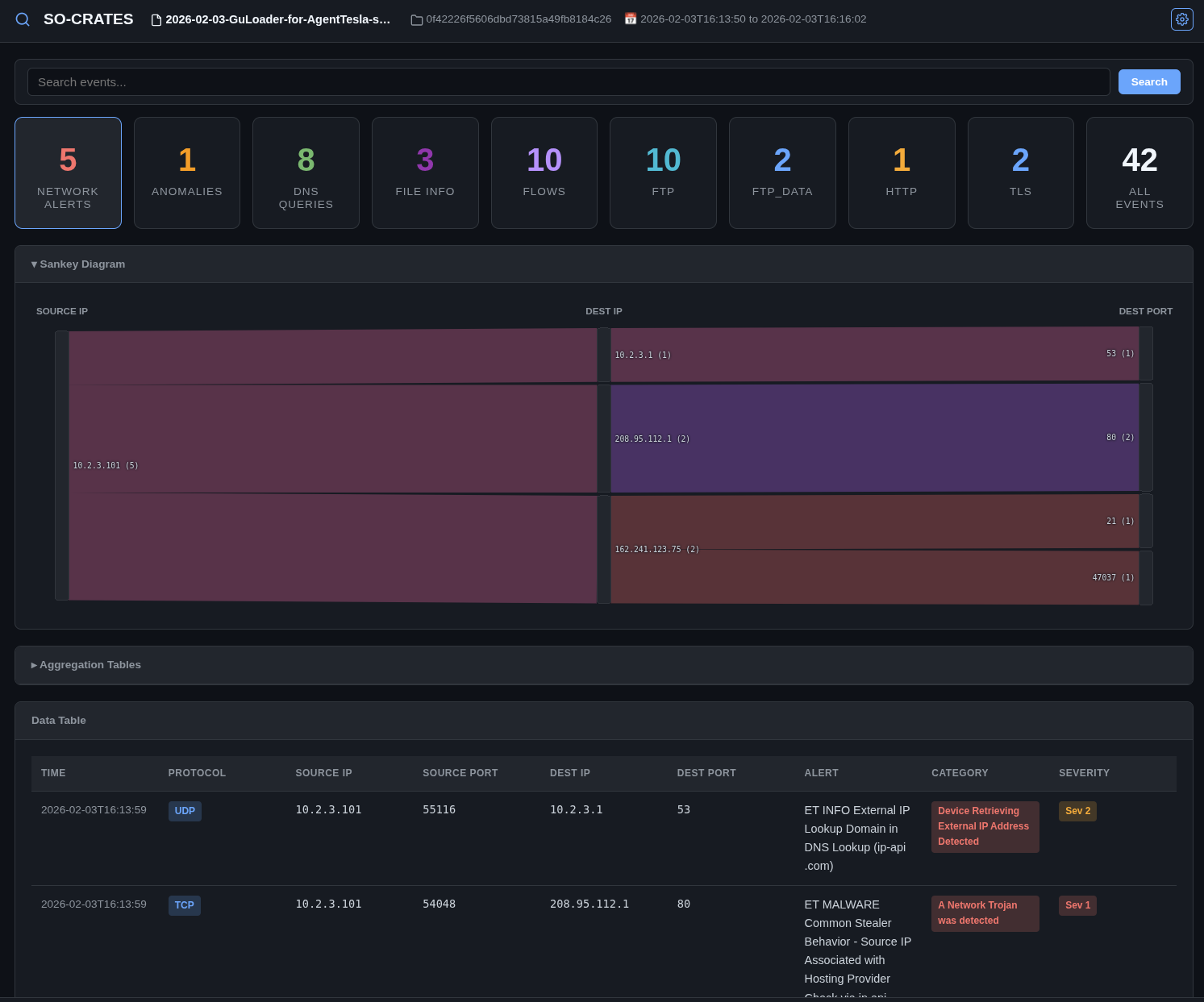
After analysis, you can view security alerts, network metadata, and extract streams:
You can read more about SO-CRATES at https://github.com/dougburks/so-crates.