Virtualization
Virtualization
If you'd like to run a virtual machine (VM) on your OhMyDebn installation, you can use Boxes or Virtual Machine Manager. Boxes is simpler and is the recommended option for most users. If you need more flexibility, then consider Virtual Machine Manager.
Boxes
The hotkey for Boxes is Ctrl + Alt + B. This will check to see if Boxes is installed and install it if necessary. Alternatively, you can install Boxes by running ohmdyebn-boxes-install or launch the OhMyDebn menu and then select Install - Virtualization - Boxes.
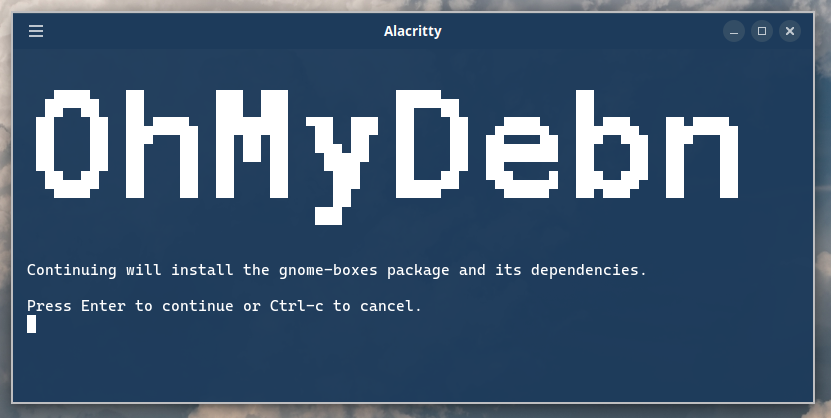
At the prompt, press Enter to continue:
Installation complete:
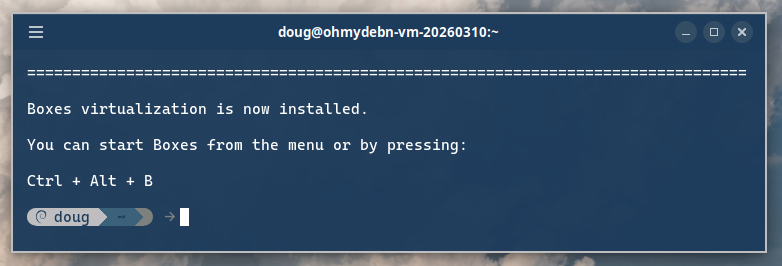
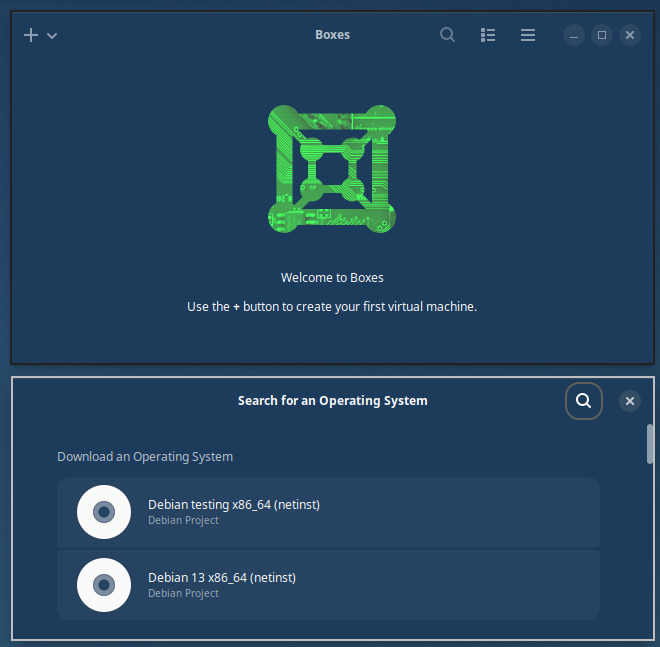
You can then start Virtual Machine Manager from the Cinnamon menu or Apps menu or via hotkey Ctrl + Alt + B.
Virtual Machine Manager
The hotkey for Virtual Machine Manager is Ctrl + Alt + V. This will check to see if Virtual Machine Manager is installed and install it if necessary. Alternatively, you can install Virtual Machine Manager by running ohmdyebn-virtualization-install or launch the OhMyDebn menu and then select Install - Virtualization - Virtual Machine Manager.
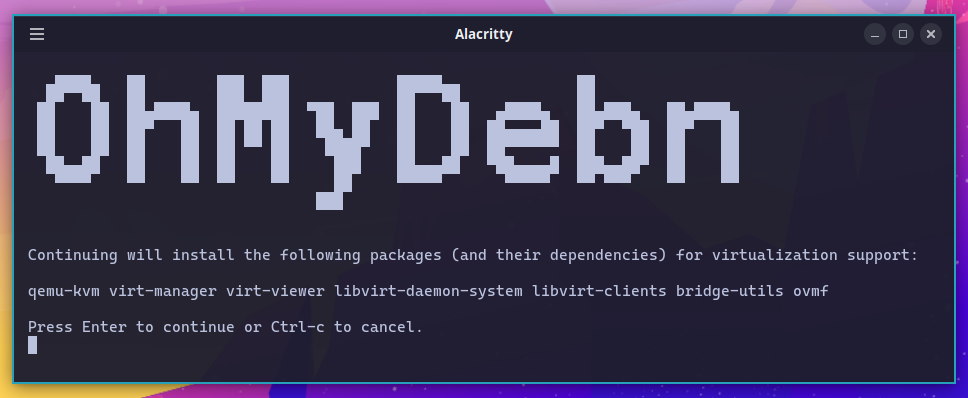
At the prompt, press Enter to continue:
Installation complete:
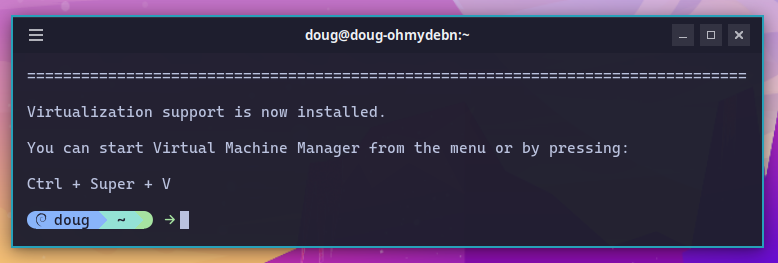
You can then start Virtual Machine Manager from the Cinnamon menu or Apps menu or via hotkey Ctrl + Alt + V.
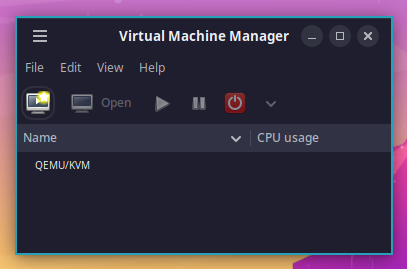
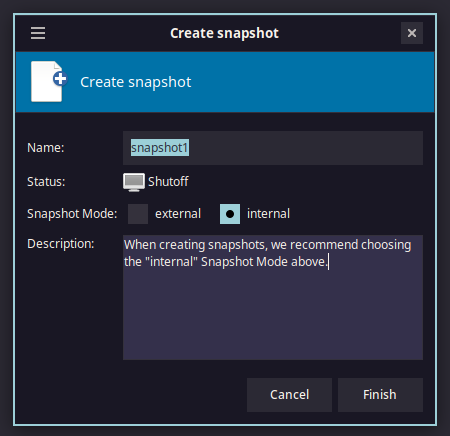
Once you've created a VM, if you want to create a snapshot then we recommend setting Snapshot Mode to internal: