Text Editor
There are multiple options for text editors depending on your needs.
gedit
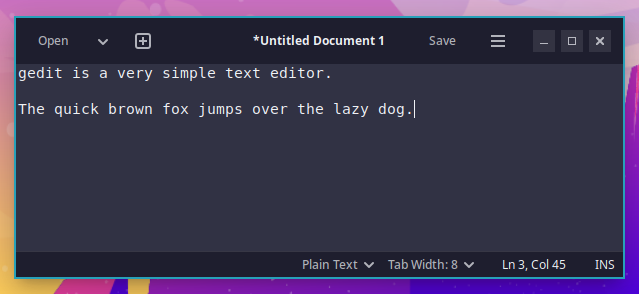
gedit is a very simple text editor with a graphical user interface. You can launch it from the Apps menu or by pressing Ctrl + Super + E.
Neovim
Neovim is a powerful terminal-based text editor. To start it, press Super + N or type nvim at any terminal prompt. The first time it loads, it will install several plugins. Once that is done, you can press the Q key until you get to the main menu. You can then press the space bar and then the E key to open Explorer.
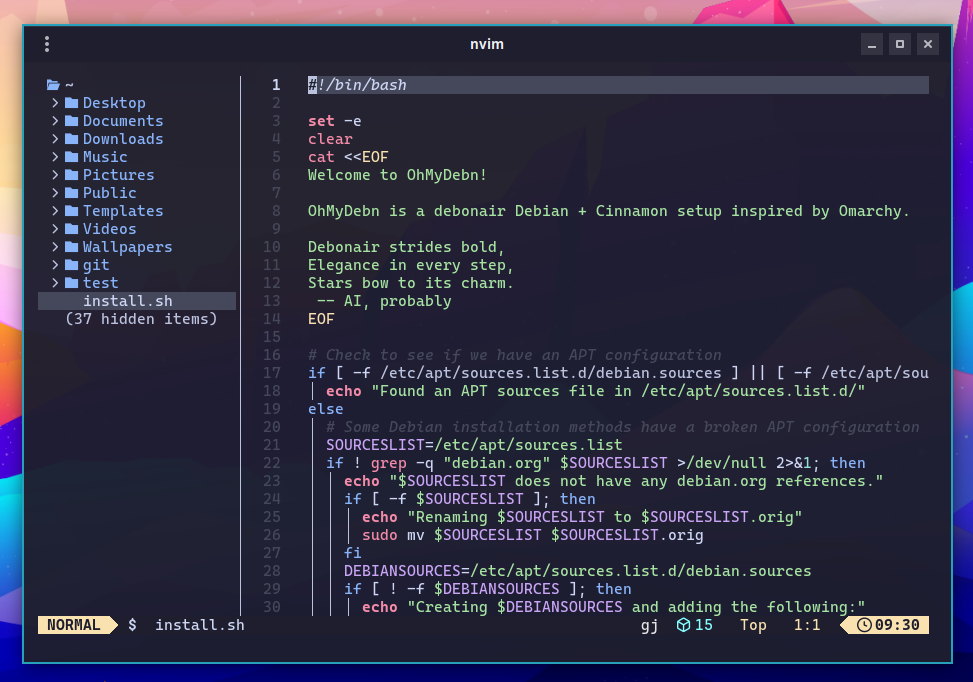
The hotkeys section includes more hotkeys for Neovim and a link to additional information.
Visual Studio Code
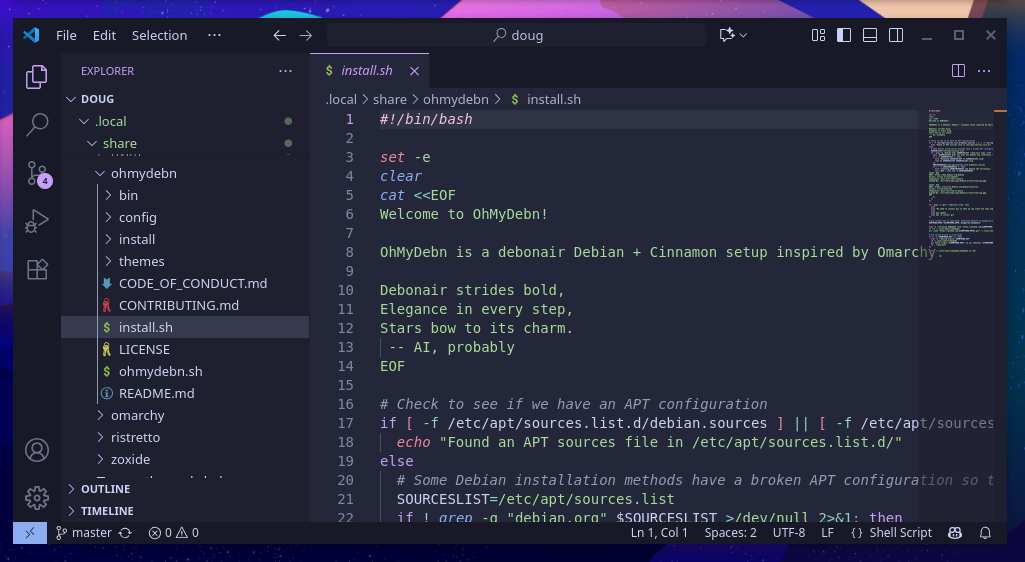
Visual Studio Code (VS Code) is a powerful text editor with a graphical user interface. You can install it from the OhMyDebn menu via Install - Editor - VSCode. Once installed, you can launch it from the Apps menu or by pressing Ctrl + Super + S.