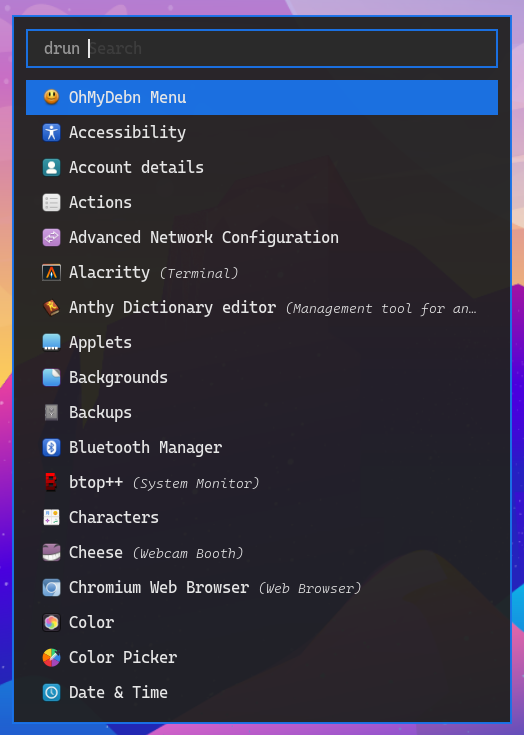
Apps Menu
To run applications, you can select Apps from the OhMyDebn menu or just press the hotkey Super + Space. You can then use arrow keys to select which application you'd like to run or start typing the first few letters of the application name.