Utilities
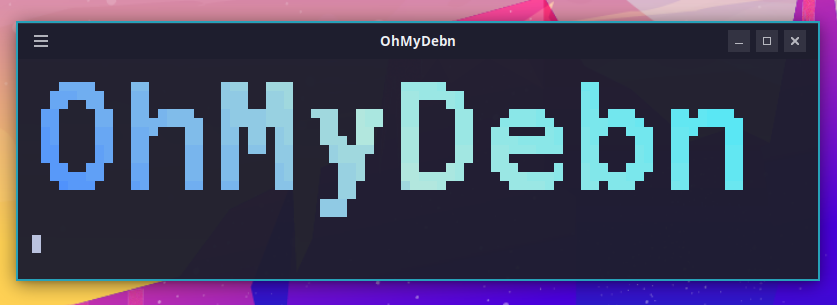
OhMyDebn Logo
To show the OhMyDebn logo in all of its glory, press Ctrl + Shift + O.
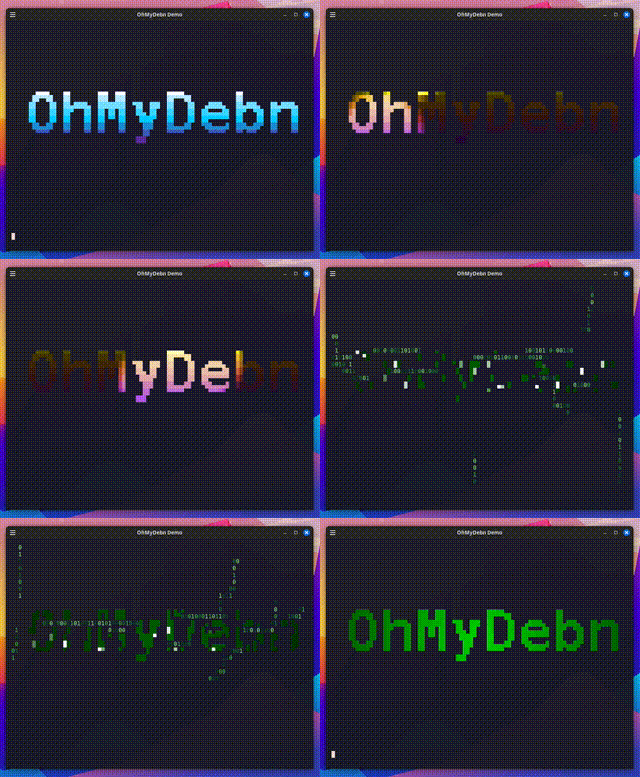
OhMyDebn Demo
To show an animated OhMyDebn logo demo, open the OhMyDebn menu and choose the Demo option or just use hotkey Ctrl + Alt + D.
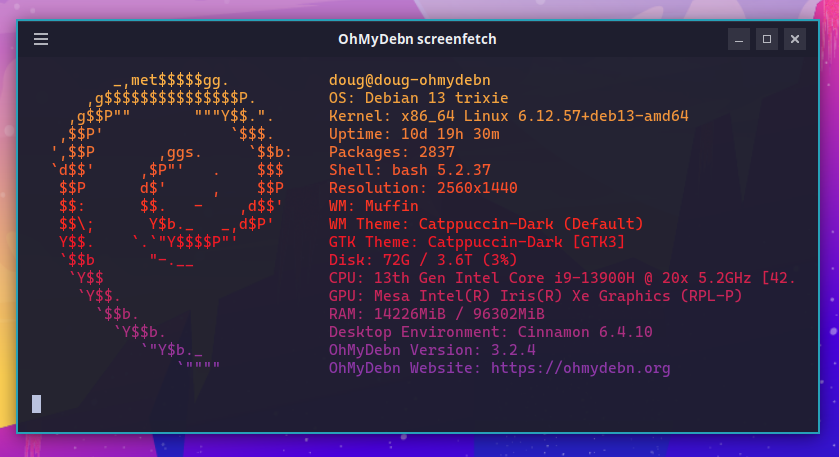
System Summary
To see a system summary, open the OhMyDebn menu and choose the About option or just use hotkey Ctrl + Shift + S.
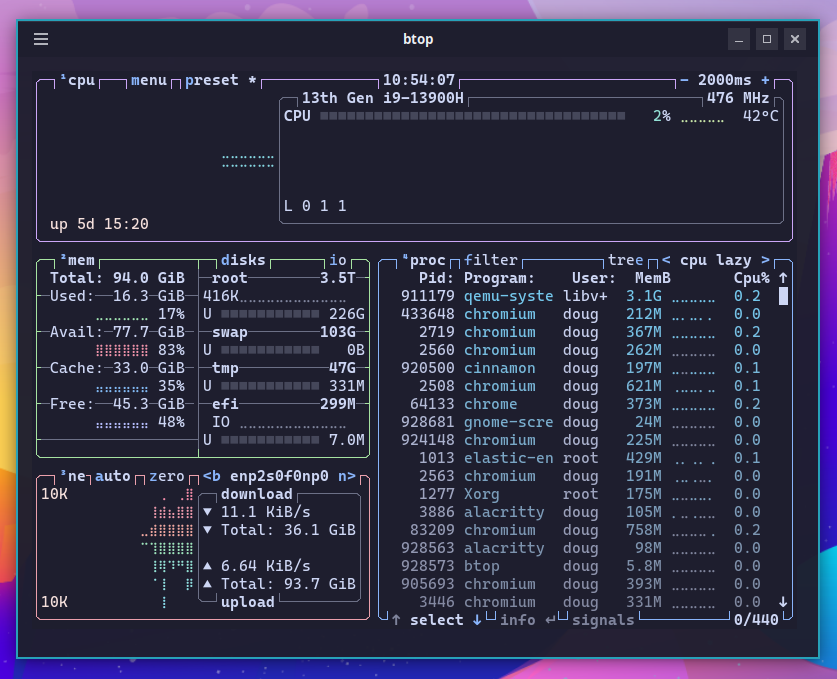
System Monitoring
To monitor your system performance, launch btop via Cinnamon menu or via hotkey Super + T.
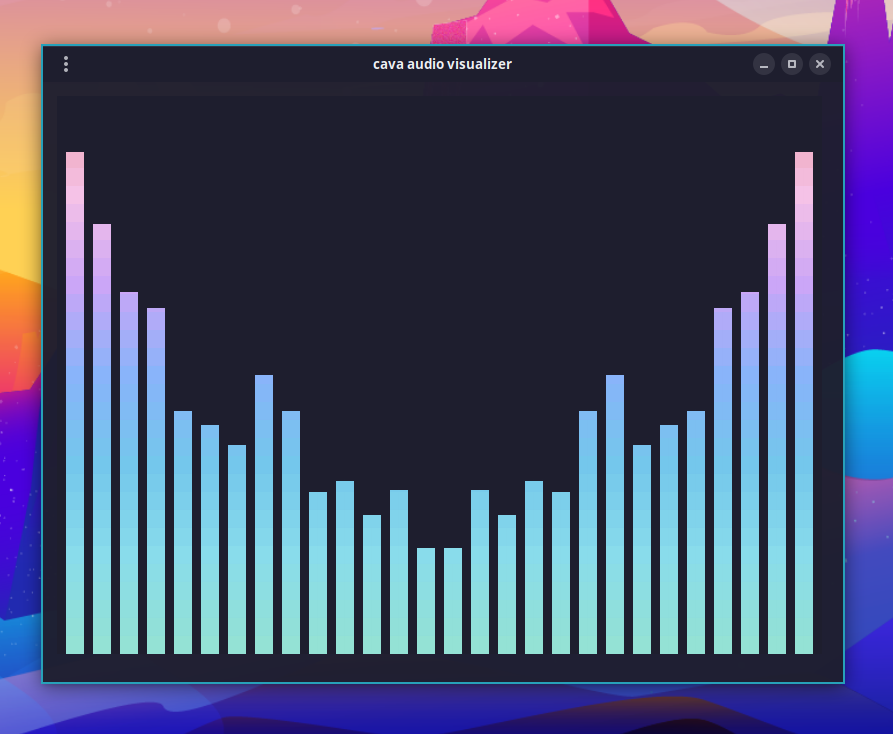
Audio visualizer via Cava
To visualize your system audio, run cava in a terminal or use hotkey Ctrl + Super + A.
Deskflow
Deskflow is available as an optional installation. You can install via OhMyDebn menu (Install->Utilities). You can then run via menu and share your keyboard and mouse with other systems running Deskflow.
LocalSend
LocalSend is available as an optional installation. You can install via OhMyDebn menu (Install->Utilities). You can then run via menu and transfer files to other systems running LocalSend.
SSH Server
SSH server is available as an optional installation. You can install via OhMyDebn menu (Install->Utilities). You can then SSH to the system from other systems.