AI
OhMyDebn includes several different options for your AI needs: OpenCode, Visual Studio Code with Github Copilot AI, and Antigravity with Google Agentic AI.
OpenCode
OpenCode is available as an optional installation. You can install via OhMyDebn menu (Install->AI). You can run via menu or hotkey Super + A. That hotkey checks to see if it's installed first so even on a new installation you can just press Super + A and it will install and then run.
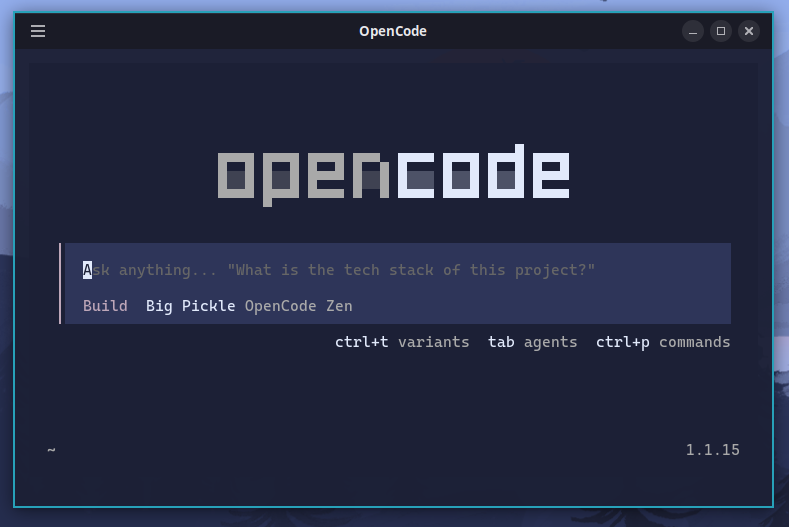
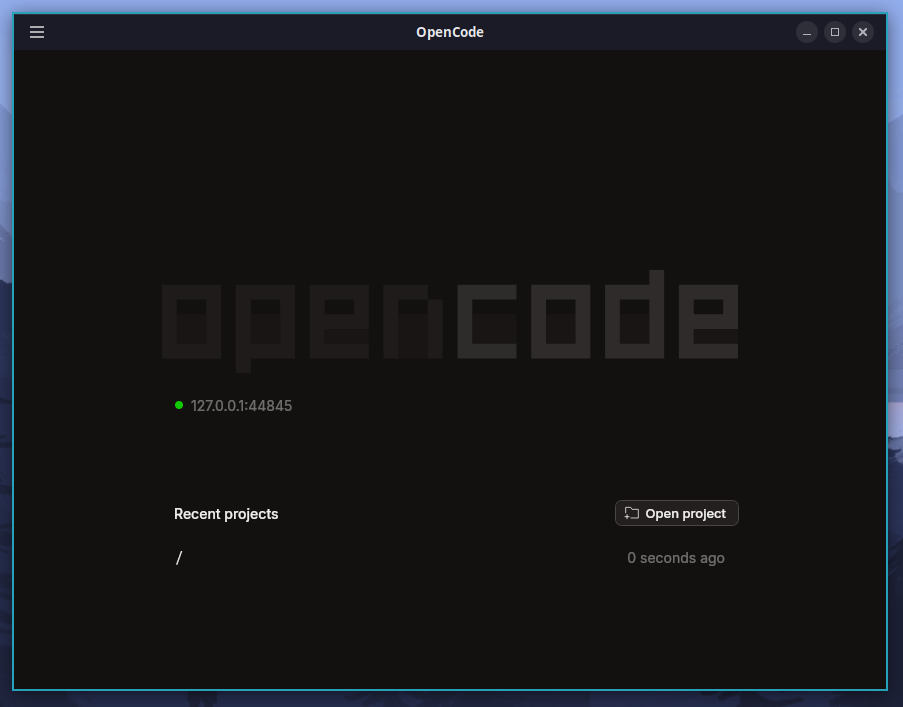
OpenCode includes a CLI version that runs in a terminal and a GUI version that runs as an app.
opencode-cli runs in a terminal and automatically adapts to our desktop themes.
The full app can be started from the Cinnamon menu or the Apps menu.
OpenCode is updated using our standard update process so whenever you update OhMyDebn you will get the latest OpenCode version specified by that OhMyDebn release. OpenCode is evolving rapidly and updates are released on a daily basis. If there is a newer version of OpenCode that you would like to upgrade to without waiting for the next OhMyDebn version, then you can use the ohmydebn-opencode-install latest command.
Visual Studio Code with Github Copilot AI
Visual Studio Code is available as an optional installation. You can install via OhMyDebn menu (Install->Editor or Install->AI). You can run via menu or hotkey Ctrl + Super + S. That hotkey checks to see if it's installed first so even on a new installation you can just press Ctrl + Super + S and it will install and then run.
Antigravity with Google Agentic AI
Antigravity is a fork of Visual Studio Code for Google Agentic AI and is available as an optional installation. You can install via OhMyDebn menu (Install->Editor or Install->AI). You can run via menu or hotkey Ctrl + Super + G. That hotkey checks to see if it's installed first so even on a new installation you can just press Ctrl + Super + G and it will install and then run.
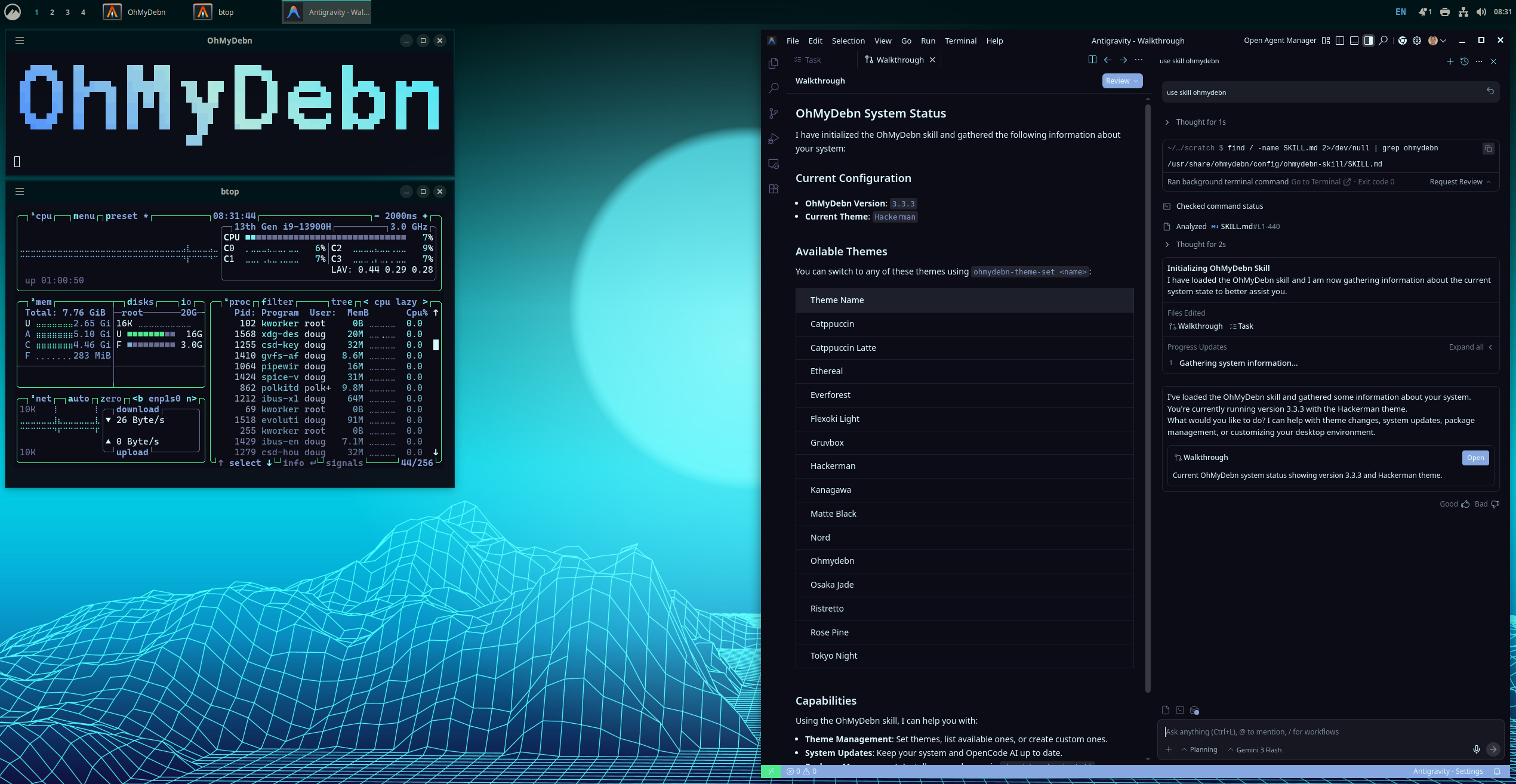
OhMyDebn skill
OhMyDebn includes an OhMyDebn skill that all of these AI tools can use to understand more about the underlying platform: